13
C. Syn Ver
Displays which version of the synthesiser
software is installed.
D. Detect
Displays which version of the detection
algorithm is installed.
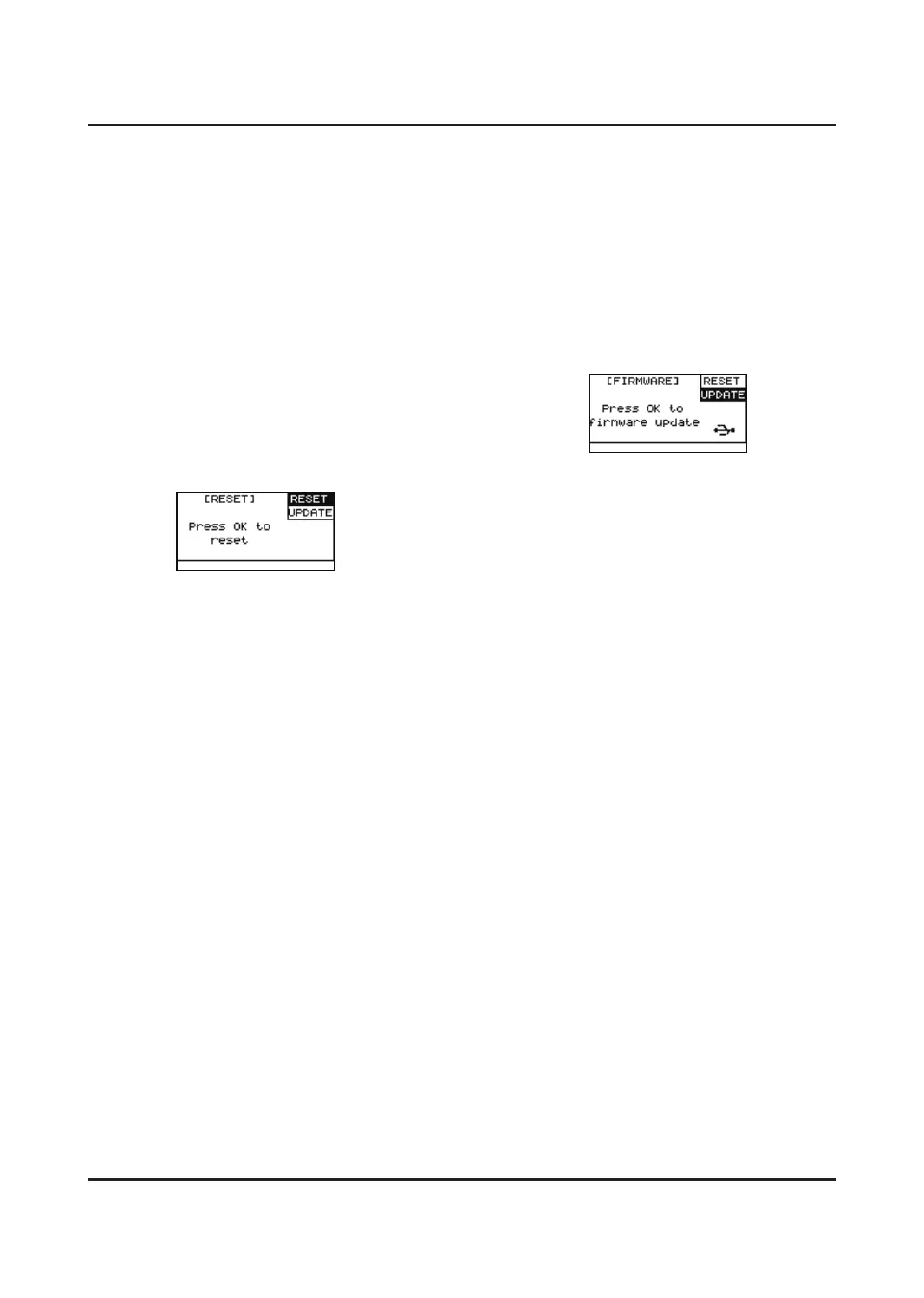
RESET
This function is used to restore to factory
settings. Press [SETUP] and use the DOWN
button to scroll down to “Reset”. Press [OK]
to initiate this process. The UNIT will restart
automatically after this has been completed.
Do not press any other buttons during this
process.
NOTE:
If any of the drum pads do not work correctly
due to accidents, please press the [POWER] +
[UP] + [DOWN] to reset.
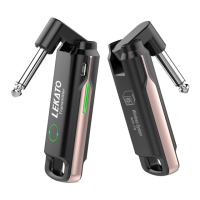
UPDATE
Used to update the UNIT firmware, which you
can do via a USB stick. In the event you need
to update firmware, you can download the
dpupdate.bin file or consult the seller, add this
to the root directory of your memory stick.
Then press [OK] when the update field is
highlighted. The firmware will be installed and
the UNIT will restart.


 To Next Page