12
Always ensure that the DVD player, TV and any other electrical equipment to be
connected with are switched off and unplugged from the power supply.
Ensure that you observe the color code when connecting audio and video cables.
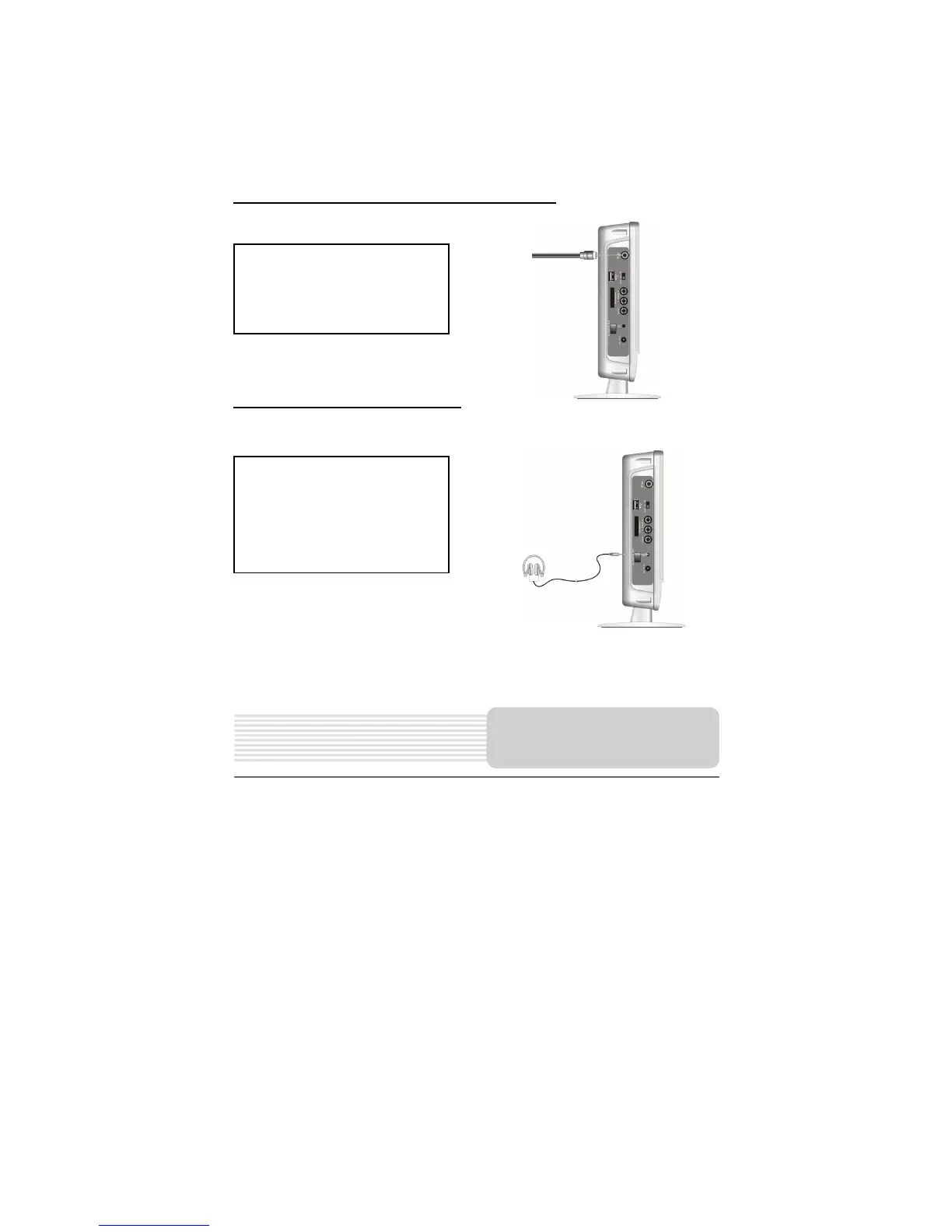
Connecting to the Connecting Line of CATV
Connecting to the headphones
Connect your connecting line of
CATV signal source to the TV
signal input jack on the left side of
the player, as show on the right:
Connect the headphones to the
headphone jack on the left side of
the player, as show on the right:
When headphones are connected
the speaker will be turned off
automatically.
System Connections



 To Next Page