31
Press the INFO button for detailed information during
playback.
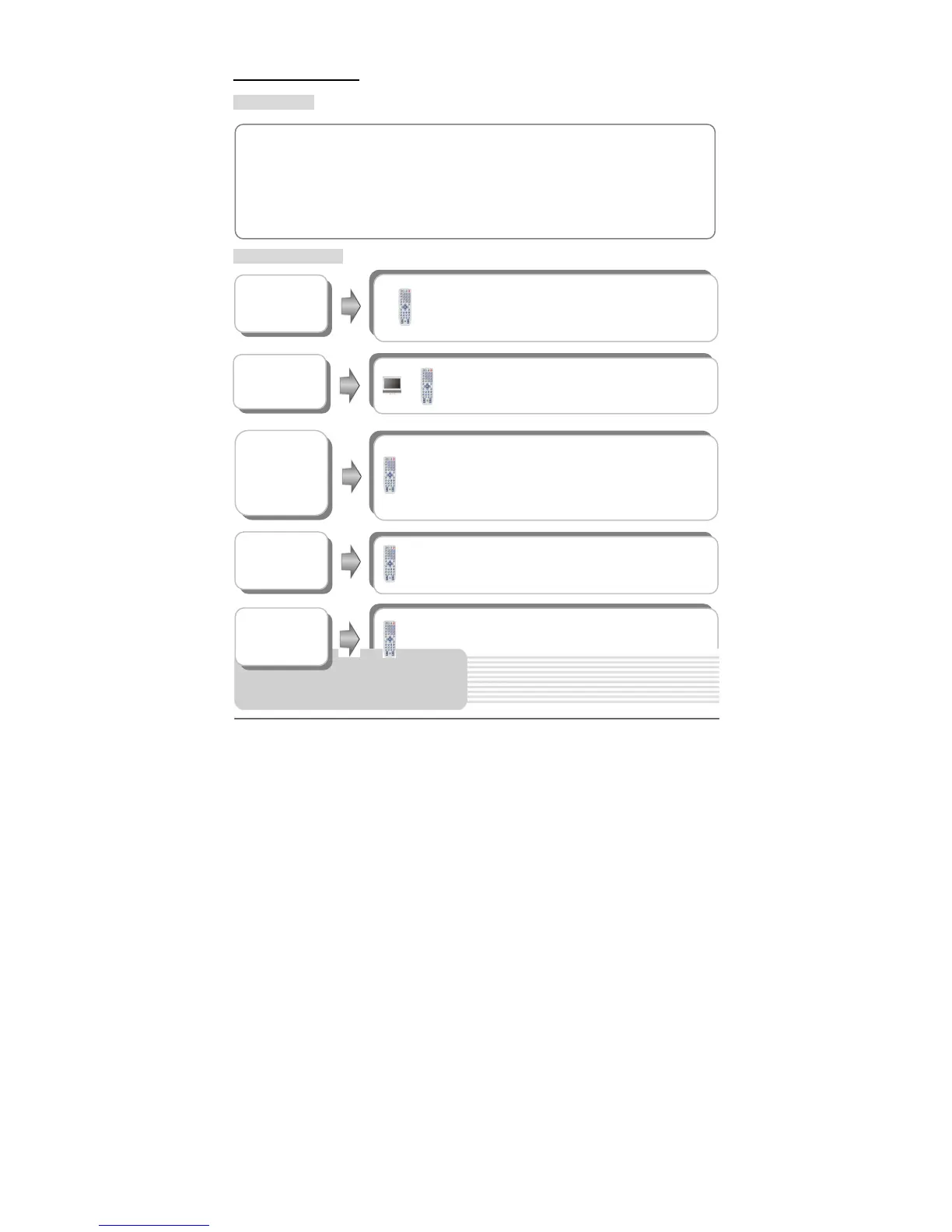
MPEG4 Playback
Pre-operation
Buttons Operation
MPEG4 is the name of a revolutionary new video code which is based on the new
MPEG4 compression standard for video. You will be able to play MPEG4 movies using
this DVD player.
1. Load a MPEG4 disc in the disc tray, the player will enter the disc searching status.
2. The screen displays the root folder. Use the, buttons to select desired folder. Then
press the ENT or button to confirm your selection.
button
During playback, press the
button to return to the
root folder. Then press the button to play the file
from its beginning.
Press the button to pause during playback.
Press the button to resume normal playback.
Press the / button to start fast forward/reverse
playback. Press it repeatedly, and the playback will be
undergoing a speedchange of 2X, 4X, 8X, 16X, 32X in
sequence. Press the button to resume normal playback.
&
buttons
Press the / button to go to the previous/next file.
Playback Operation
INFO. button



 To Next Page