6
Front View
9.
/
button
: Press to go to the previous list/track/chapter.
: Press to go to next list/track/chapter.
10. VOL button
Press to adjust the volume.
The same function as left or right direction buttons in setup menu.
11. CH button
In TV mode, press to select channels.
In setup menu, the same function as up or down direction buttons in setup menu.
12. SETUP button
Press to enter or exit the system setup menu.
Press it longer to change the aspect ratio between 16:9 and 4:3.
13. DVD/TV button
Press to select DVD or TV mode. In DVD mode, press and hold this button for 1-2
seconds to shift among DVD, SD/MS/MMC and USB modes if the SD/MS/MMC
card and USB device are inserted.
14. Charge Indicator
Lights red when the battery is charging; Lights green when the battery is fully
charged.
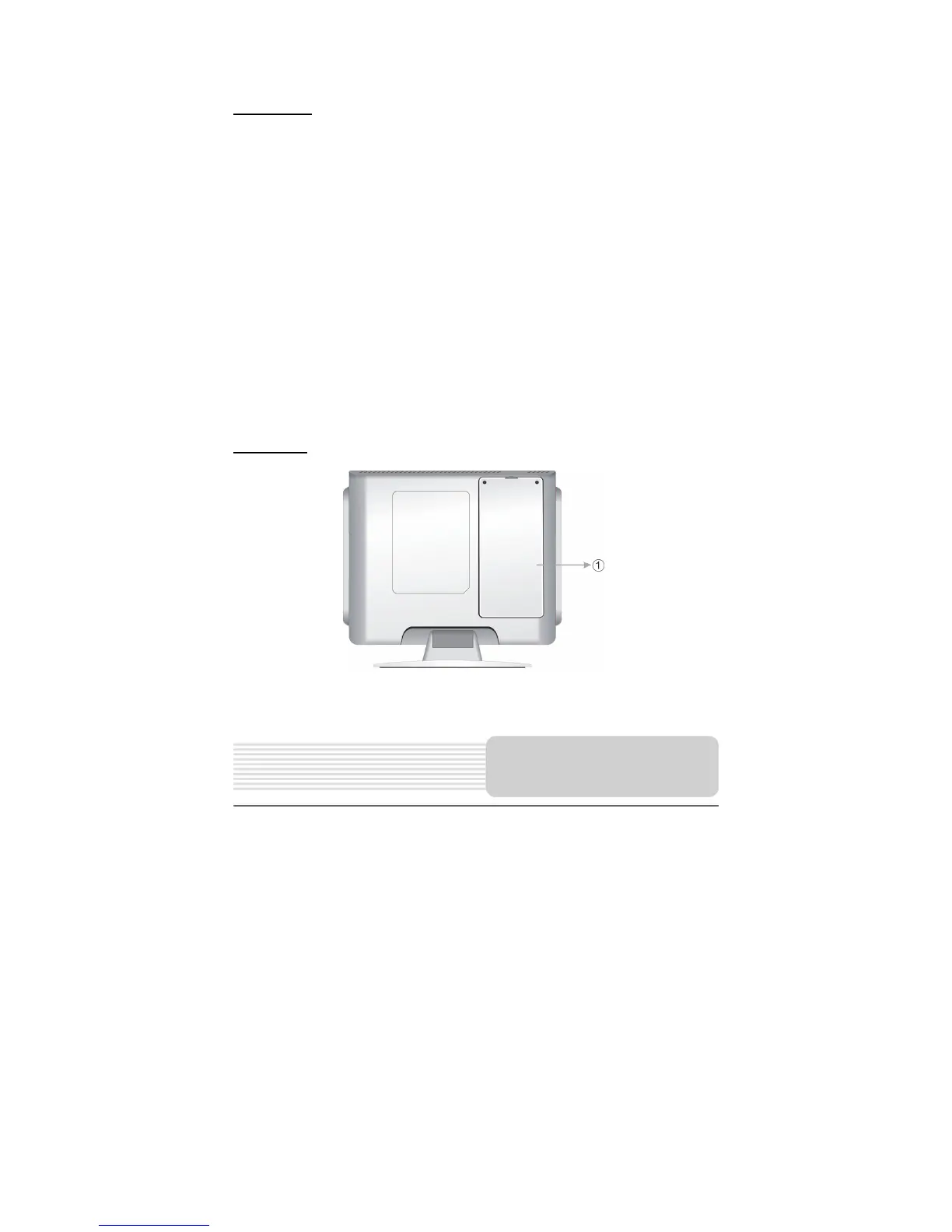
Rear View
1. Rechargeable Battery
Build-in lithium polymer rechargeable battery.
View of Side Panels



 To Next Page