33
Preparation
1. Connect the unit with the electrical power.
2. Switch the power to ON.
3. Insert the USB into the unit’s USB slot, or insert the
SD/MS/MMC card into the SD/MS/MMC card slot on
the sides of the unit. Please see the right figure:
4. Enter DVD mode (source button followed by 1),press
button 1 repeatedly for 1-2 seconds to shift among DVD,
SD/MS/MMC and USB modes if the SD/MS/MMC card
and USB device are inserted.
Make sure that files of JPEG or WMA format are stored in the USB and
SD/MS/MMC card before connection.
In DVD mode, press button 1 repeatedly for 1-2 seconds to shift among DVD,
SD/MS/MMC and USB modes if the SD/MS/MMC card and USB device are
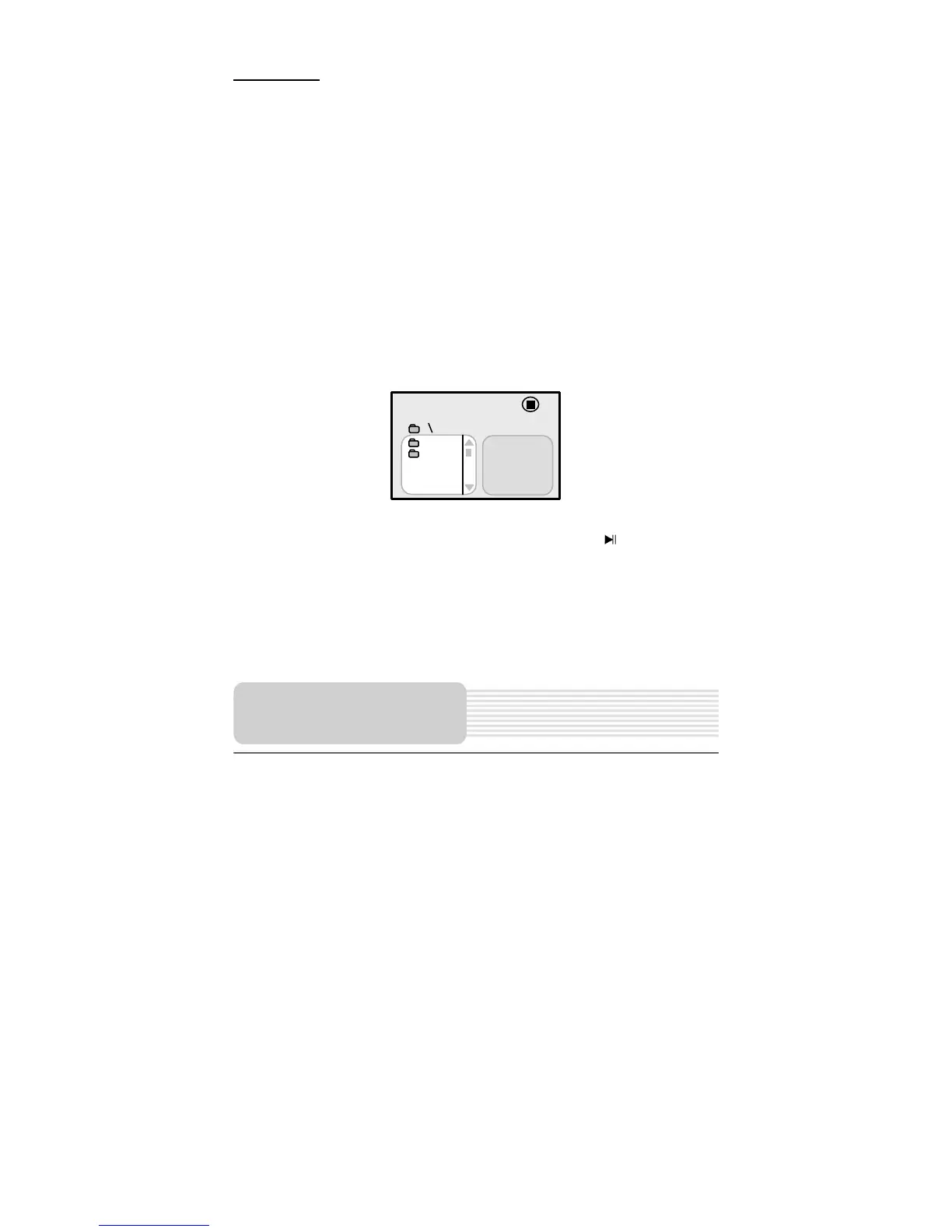
inserted. The default state is disk playback. Please see the below figure:
Press the ,button to select the folder, and press ENT button to enter.
Press ,button to select the desired track. Then press the button to start
playback.
Press button to stop playback. Then press the
button, the playback will start
from the beginning of the current track. Press the button to return to the folder
menu.
NOTE:
1. Pull out the USB or SD/MS/MMC card directly after the JPEG or WMA format files
are played. Then the unit will be in the state of disc playback again.
001/002
BAK
JPEG
DVD System Setup



 To Next Page