34
General Setup Page
You can change the default settings of this unit to customize its performance to your
own preference.
To set up your system:
1. Press the DVD SETUP button and the setup menu will appear on the screen. It
includes General Setup Page, Speaker Setup Page, Dolby Digital Setup and
Preference Page.
2. Press the or (direction buttons) to select a sub-menu you want to set up.
3. Press the SETUP button again to exit the setup menu at any time during set up.
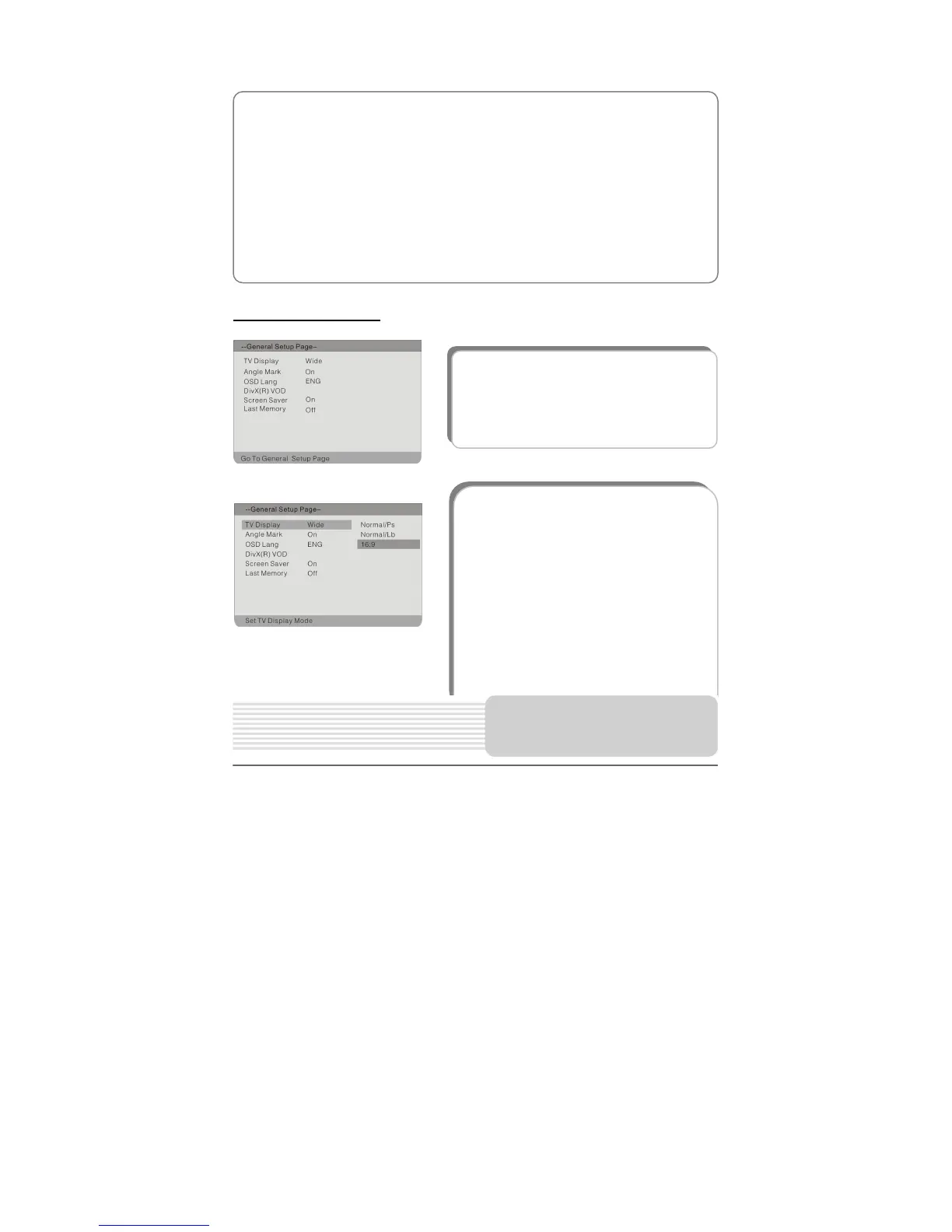
1. TV Display
This item is used to set TV Display mode.
Press the button to highlight this
item. Press the ENT orbutton to enter.
It includes Normal/Ps, Normal/Lb and
16:9. Press the button to choose the
proper one. Press the ENT button to
confirm your selection. Press thebutton
to exit.
Note: Select Normal/Ps or Normal/Lb
when a 4:3 TV is connected. Select Wide
when a 16:9 wide screen TV is connected.
The item included in this sub-menu is
shown as the left.
DVD System Setup



 To Next Page