23
DVD Playback
DVD Playback (continued)
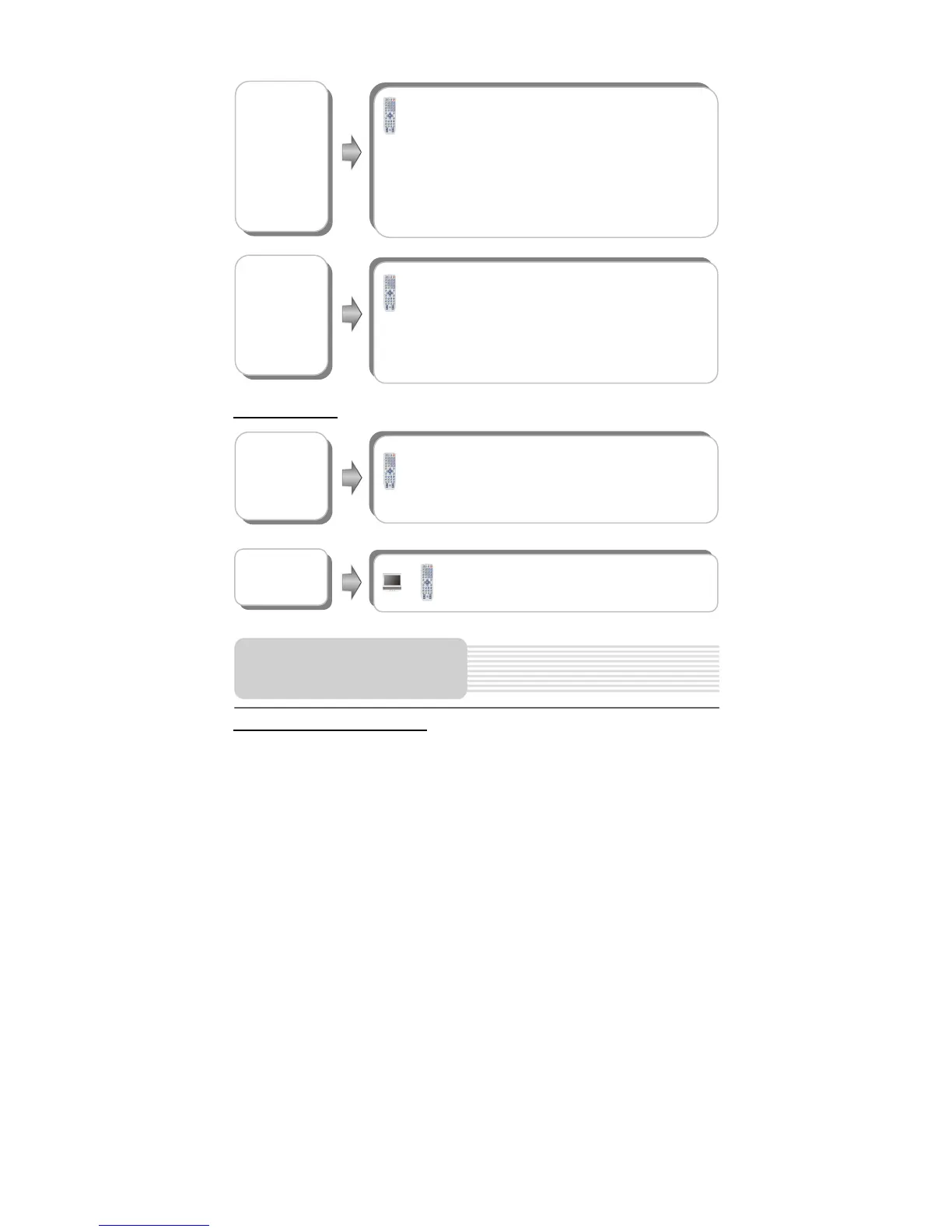
ZOOM button
For DVD and MPEG4 discs, press the ZOOM button to
display the image as 2x-3x-4x-1/2-1/3-1/4-normal size in
sequence.
For JPEG disc, press the ZOOM button. Then press the
button to enlarge the picture as follows:
125%-150%-200%; press the button to reduce the
picture as follows: 75%-50%. Press the ZOOM button
again to return to normal playback.
A-B button
In normal playback, press the A-B button to select the
segment that you want to play repeatedly. Press once to
select the beginning point A, press again to select the
ending point B and play the segment repeatedly. Press
A-B button again to cancel the repeat segment.
This function is not available for JPEG disc.
ENT button
Load a disc in, the player will enter the disc searching
status. Press the direction buttons () to highlight
the item that you want to play and press the ENT button to
confirm.
button
Press the button to pause during playback
and press it again to resume normal playback.
Playback Operation



 To Next Page