22
PLEASE READ THE FOLLOWING INSTRUCTIONS CAREFULLY BEFORE USING
YOUR DVD PLAYER FOR THE FIRST TIME.
WARNING: Do not play poor quality discs to avoid damaging the lens.
Pre-operation
1. Connect the unit to power supply through the
AC adaptor.
2. Switch POWER ON/OFF to ON to turn on
the player.
3. Press the DVD/TV button to select DVD mode.
4. Handing the disc with its printed side facing the
front of the unit, insert vertically into the disc tray.
(Referring to the right picture.)
5. Gently push the disc into the disc tray and it will be
automatically be pulled into the disc tray. The unit will enter the disc searching status.
6. Press the VOL button to adjust the volume.
7. To turn the player off, switch the POWER ON/OFF on the left panel to OFF.
Basic Operation
Basic Operation (Continued)
button
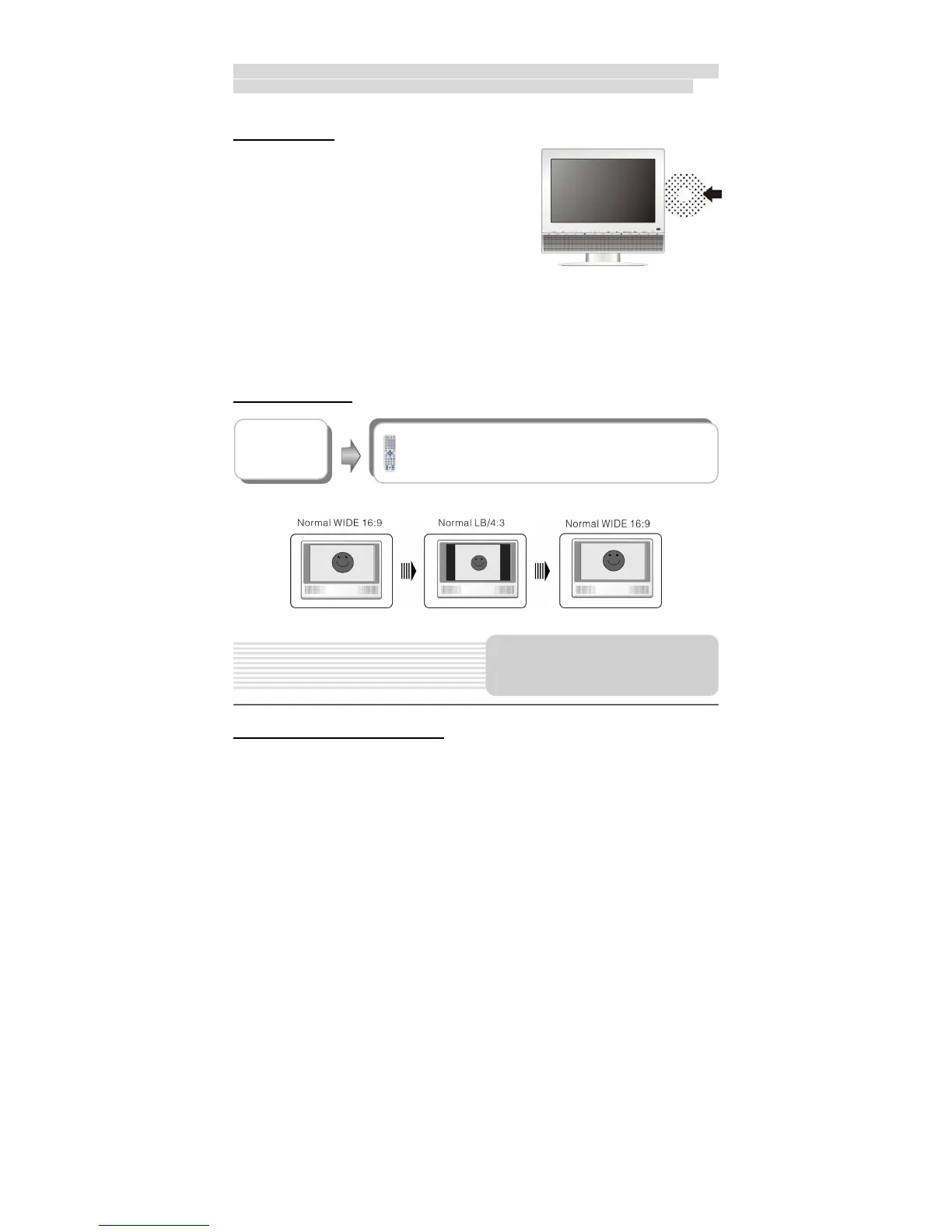
Press the 16:9/4:3 button repeatedly to change the aspect
ratio of the screen between 16:9 and 4:3. See below for
details:
Playback Operation



 To Next Page