18
CHANNEL EDITING
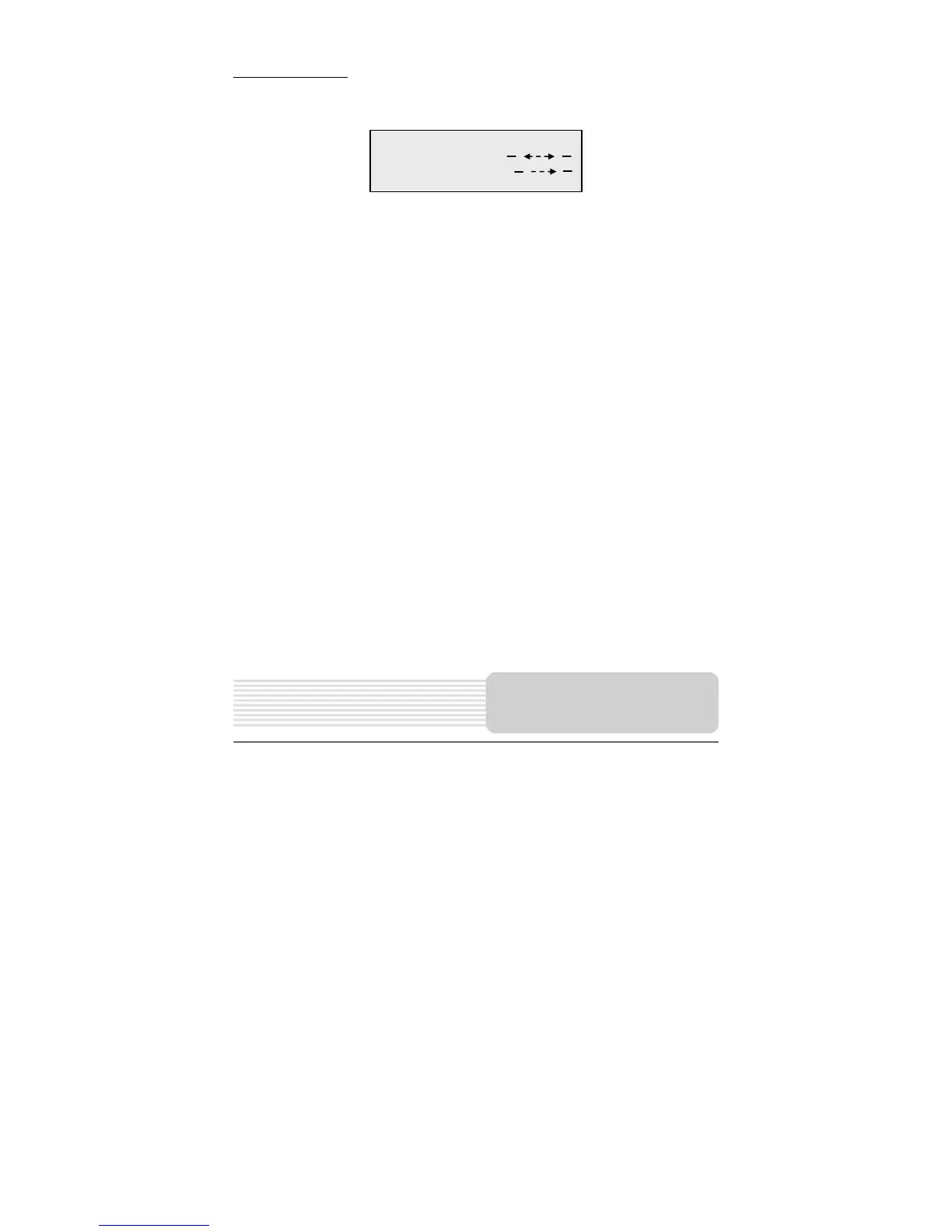
Press the EDIT button on the remote control, and the menu below will display on the
screen. Press the CH/ button to highlight the item you want to setup.
1. SWAP
You can use this item to delete the channel you want to watch from the current
channelnumber directly.
Highlight SWAP. The number appearing is the current channel. Press the or
button to move to where the second arrow points. Use 0-9 buttons and +10 button to
enter the channelnumber you want to watch. Press the SETUP button to confirm,
and the channel will skip to the channelnumber of choice.
2. COPY
You can use this item to copy the current channel to the channelnumber of choice,
then you will obtain two of the same channels.
Highlight COPY. The number that appears is the current channel. Press the or
button to move to where the arrow points. Use 0-9 buttons and +10 button to enter
the channelnumber you want to cover. Press the SETUP button to confirm.
CHANNEL EDIT
SWAP
LCD/TV Setup



 To Next Page