27
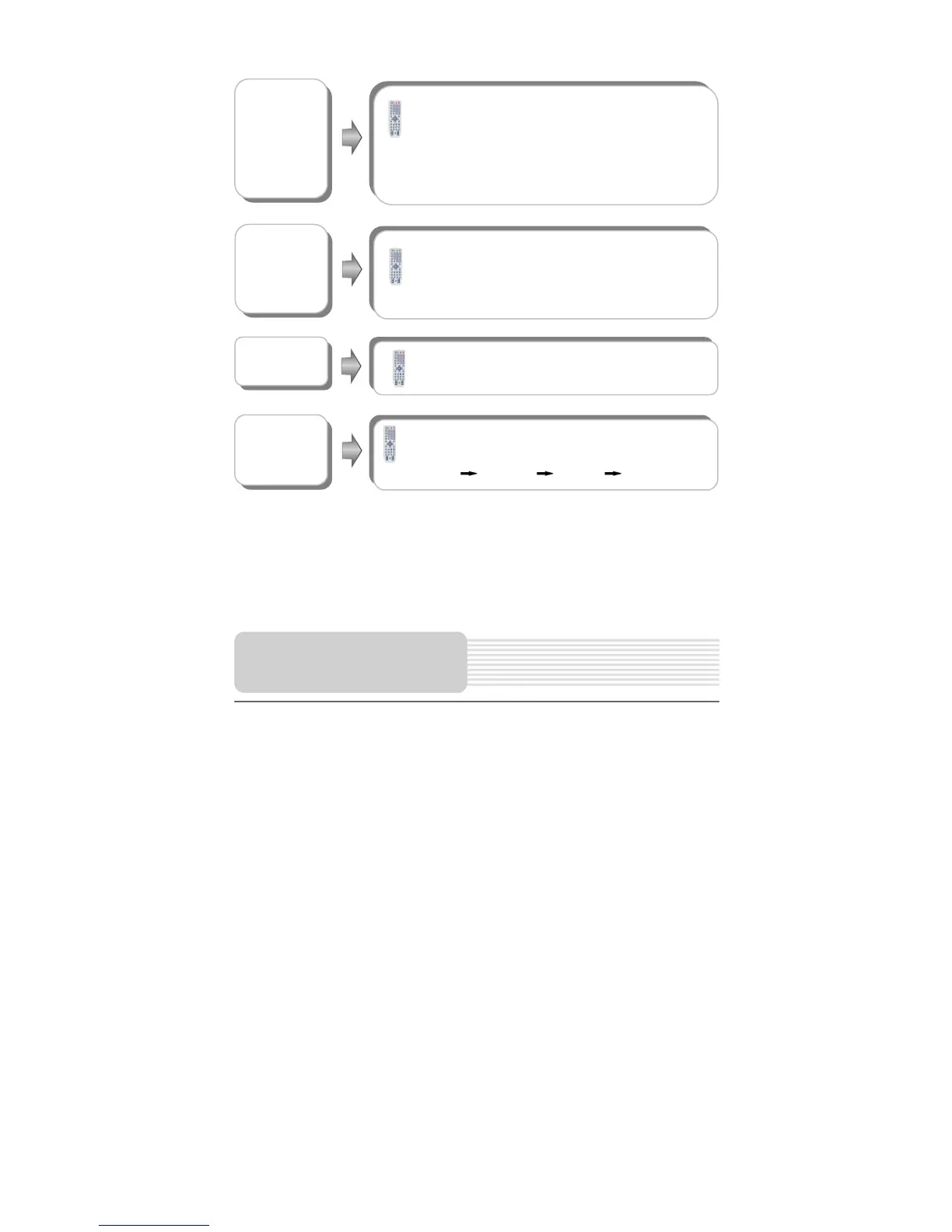
GOTO button
Press the GOTO button to select desired disc starting
time, track starting time or track. During playback, press it
repeatedly and the screen will display as follows:
Disc Go To:--:-- Track Go To:--:-- Select Track:--/N
N refers to the total track number of the disc.
Use 0-9 buttons to select directly.
INFO. button
Press the INFO. button for detailed information during
playback.
Press the REPEAT button to repeat a Track, All or cancel
repeat in sequence.
AUDIO button
Press the AUDIO button to select desired sound effect.
Press it repeatedly and the display will be as follows:
Mono Left Mono Right Mix-Mono Stereo
Playback Operation



 To Next Page