Channels;
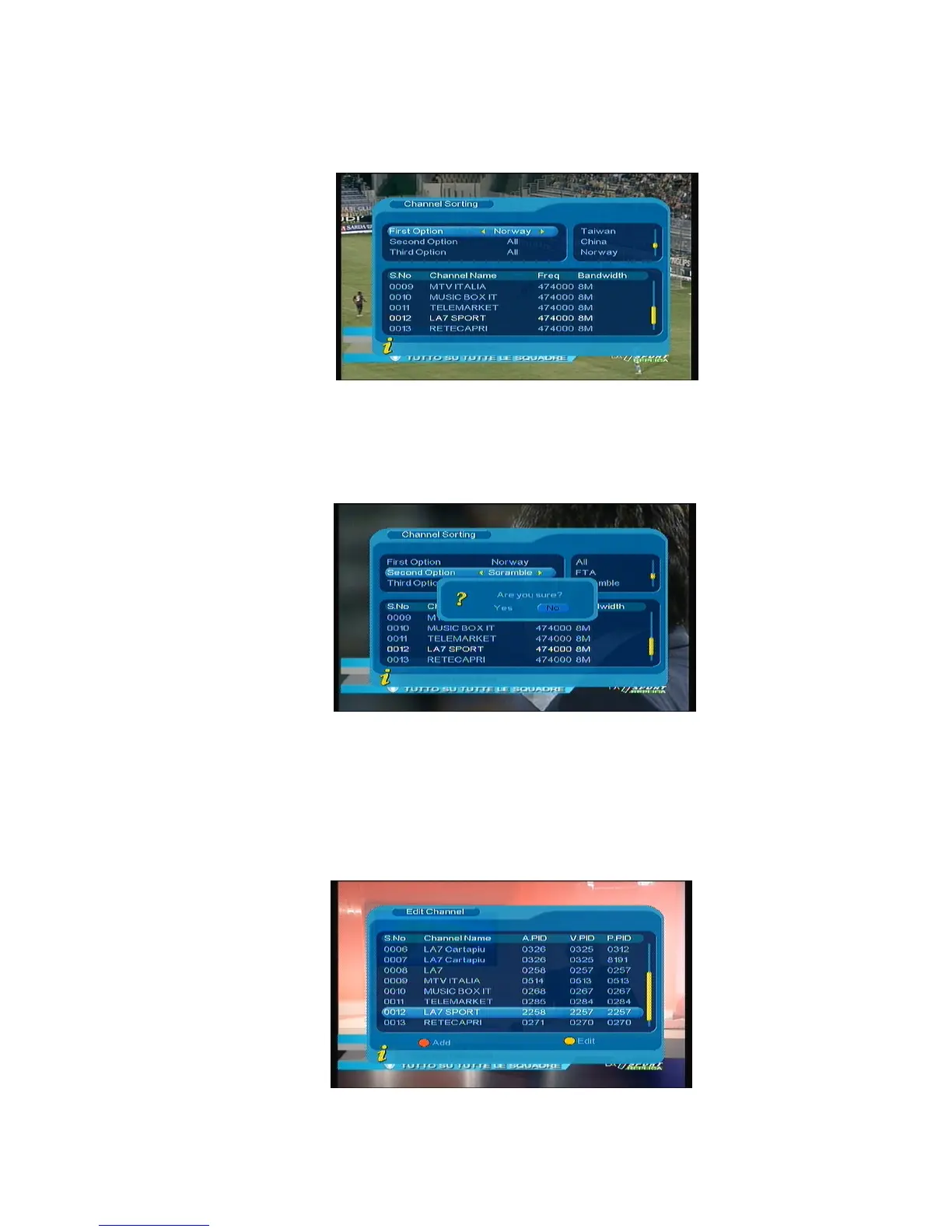
(3).Third Option: According to alphabetic order All, A-Z, Z-A, LCN+, LCN-.
Figure 3.6
After sorting is set, to realize channel sorting, press ENTER, then the system will hint with the dialogue
box “Are you sure?” as shown in
Figure 3.7
Figure 3.7
3. Edit Channels
Have such operations as Add, Delete and Rename to channels.
1. You can enter the page as shown in the figure below via “MENU->Digital TV-> Channel Manager -> Edit
Channel”: As shown in
Figure 3.8
Figure 3.8
9



 To Next Page