Press
to play previous video, press to play next video; and pressing ►►or ◄◄is previous or
next fasting.
3.2.3 Music
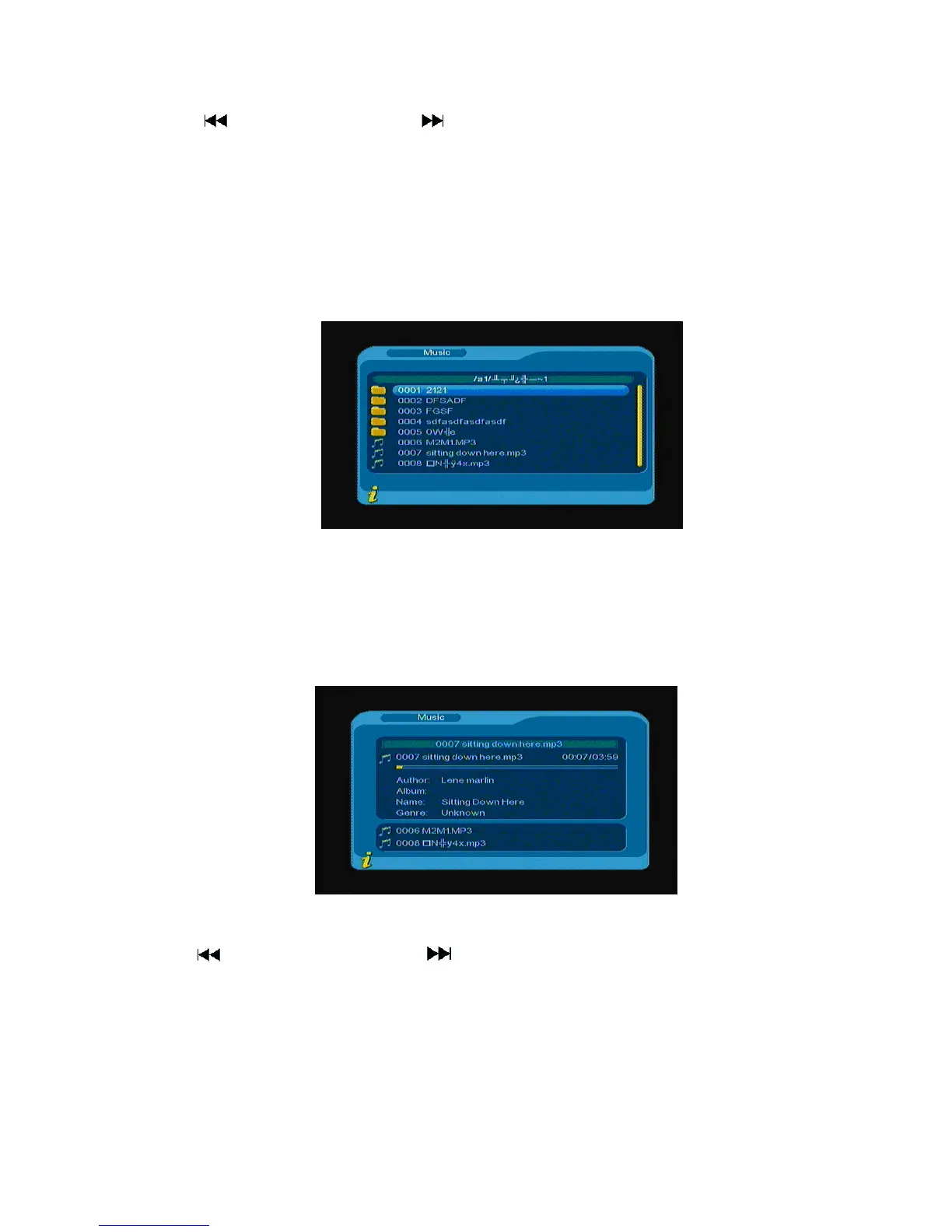
Press▲▼ to choose Music option, and to press ENTER to confirm, enter main directory as shown and
press ENTER to enter next directory, every directory can show music file and folder name only, as shown in
Figure 3.35
Figure 3.35
Press Menu/Exit to return to the previous directory; press ▲▼to choose music file name; and press
ENTER to play music file, its interface is as shown in Figure
3.36
Figure 3.36
Press to play previous music, press to play next music; and press ENTER to pause or play
music; and pressing◄◄ or ►► is previous or next fasting.
. Press Menu/Exit to exit the music play mode and return to the file directory.
3.2.4 Photo
Press▲▼ to choose Photo option, press ENTER to confirm, and press ENTER to enter next directory, every
23



 To Next Page