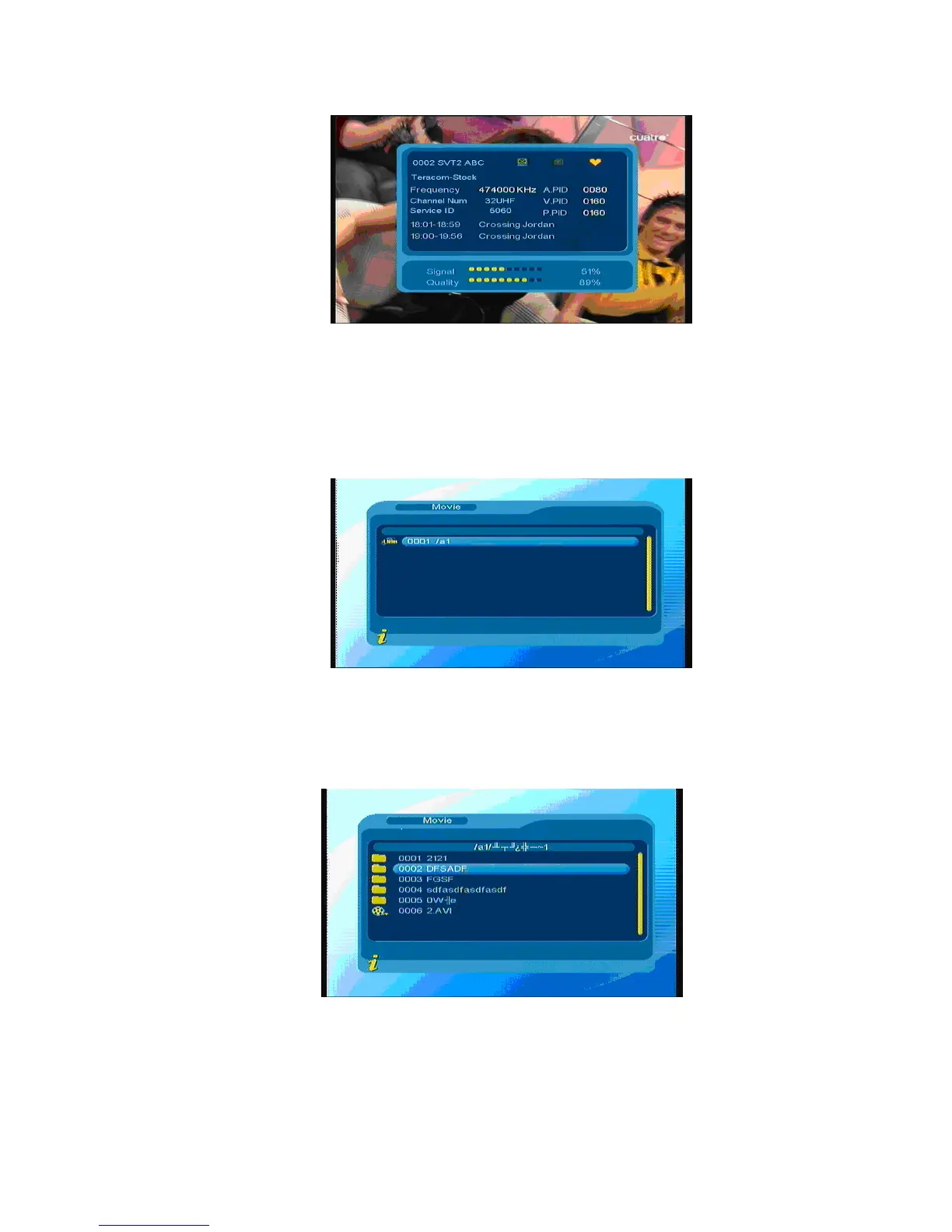
Figure 3.32
3.2.2 Movie
Press ▲▼ to choose Movie option. Press ENTER to confirm, enter main directory as shown in Figure
3.33
Figure 3.33
Press ENTER key to enter next directory, every directory displays only movie file and folder name, as
shown in Figure 3.34
Figure 3.34
Press Menu/Exit to return previous directory; Press▲▼ to choose movie files; Press ENTER to play
movies; during playing press ENTER can pause or play.
22



 To Next Page