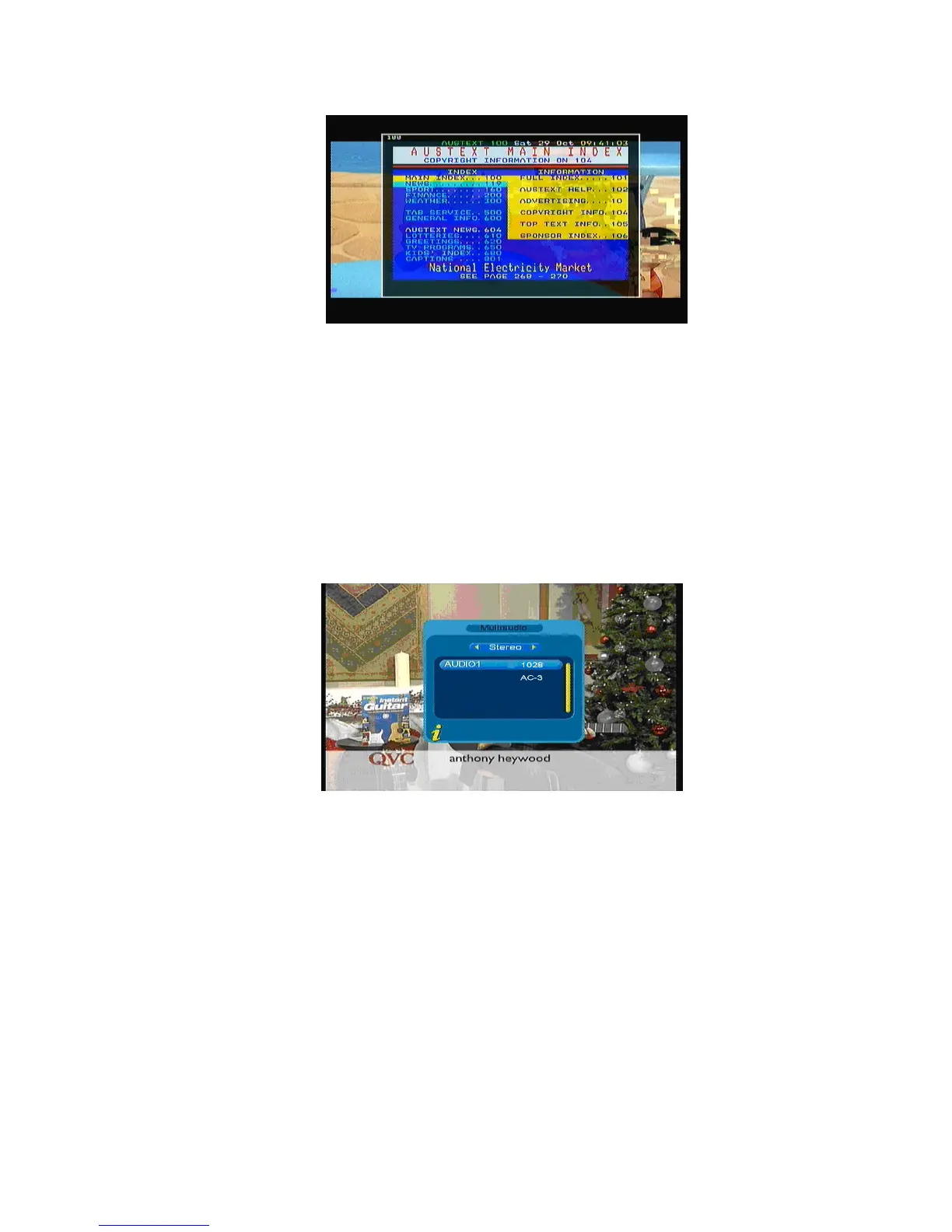
Figure 3.30
Press ▲to go to the previous page, while press ▼ to go to the next page; Press ◄ to back for 100pages,
while press ► to advance for 100 pages. Press TTX or Menu/Exit to exit.
<6>Multiaudio: Audio language switch and L/R channel switch
Select Multiaudio submenu to switch among “Stereo”Æ “Left”Æ “Right” (stereoÆleft channelÆright
channel).Press ◄►to switch among “Stereo”Æ “Left”Æ “Right” (stereoÆleft channelÆright channel), press
▲▼ to switch the language of sound. As shown in Figure 3.31
Figure 3.31
<7>Program info: Display information of programs
Press INFO to select Program info that shows the information of current program when it is in normal
playing state. As shown in Figure 3.32
21



 To Next Page