Press ▲▼ to select favorite program, Press ENTER to affirm the selection, press Menu/Exit to exit.
<2>TV/Radio
Press
TV/RADIO to switch the programs when it is in full screen.
<3>EPG (Electronic programs guide)
! The program signal must contain EPG date.
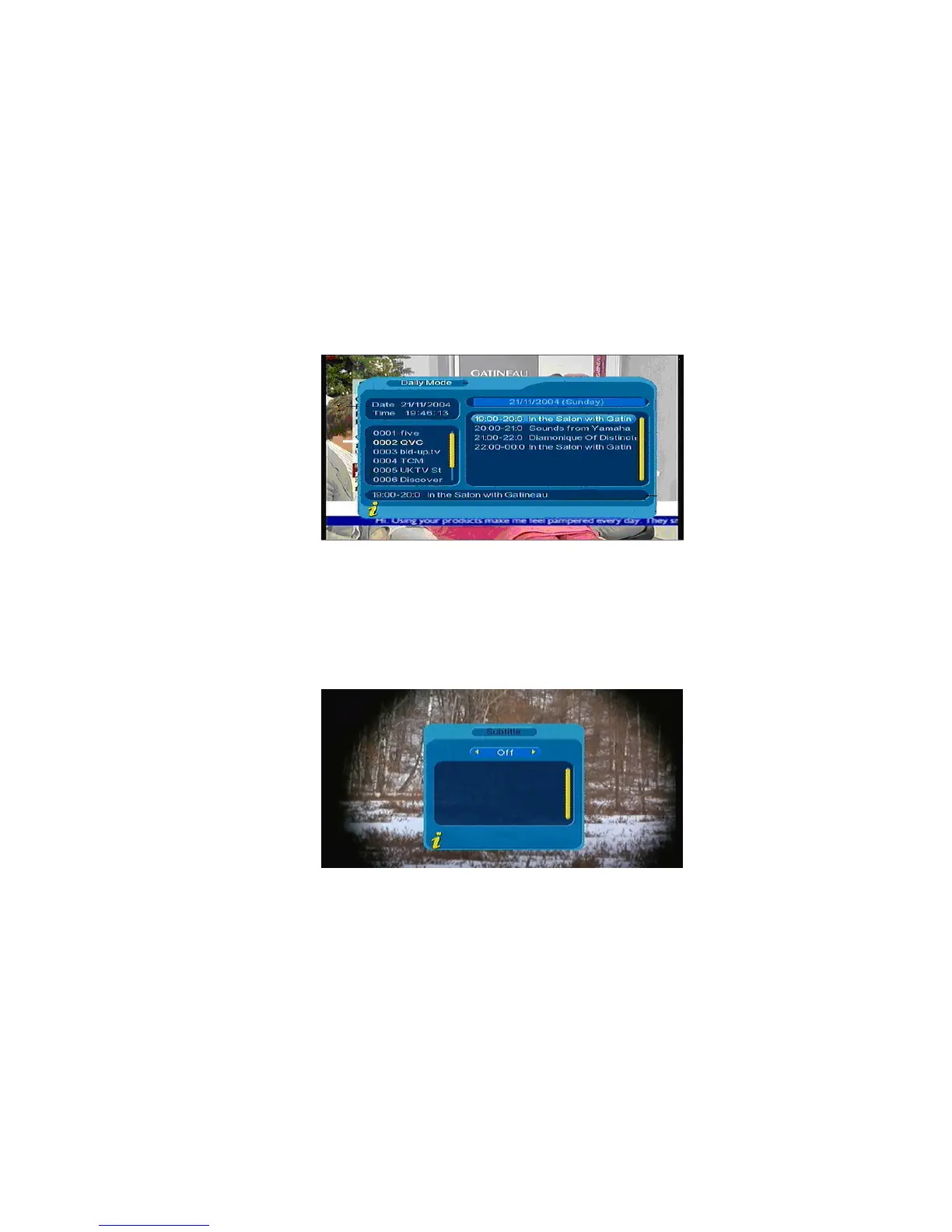
You can choose EPG submenus press ENTER to into the EPG page to know more about the programs
to be played. As shown in Figure 3.28
Figure 3.28
<4>Subtitle
Subtitle is defaulted to be off; to see the capitation information, choose the Subtitle submenu and press
ENTER to enter the Subtitle menu of the current programs, as shown in Figure 3.29
Figure 3.29
Press ◄► to choose whether to open Subtitle, press▲▼ to move upward and downward to choose
language.
<5>TTX (Teletext)
! The program signal must contain TTX date.
If you want to watch teletext, please select “TTX” to enter into TTX page. As shown in Figure 3.30
20



 To Next Page