(4)Software Upgrade:
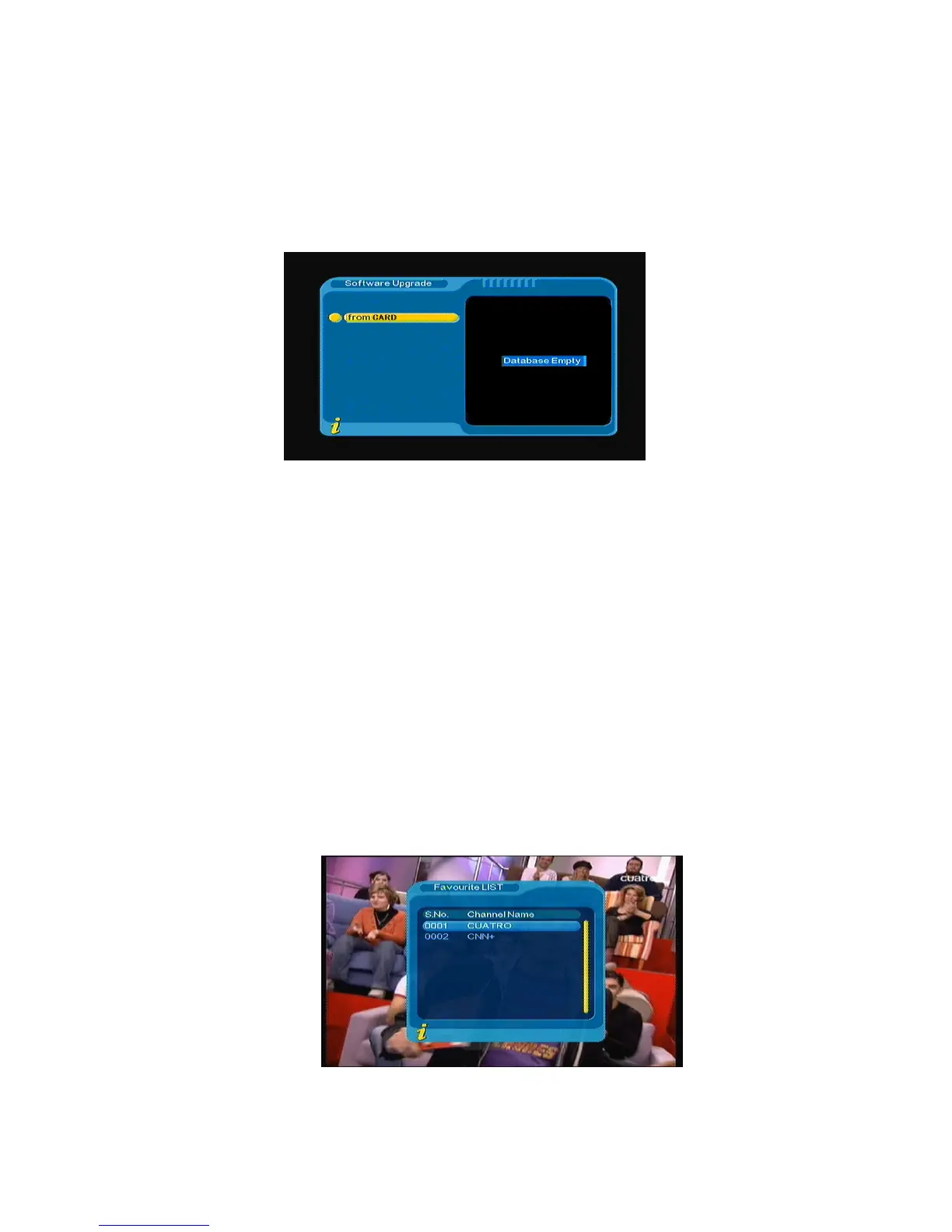
You can automatically update the software of the equipment. The software of the new version can
support more areas and more functions or solve more problems. Via menu (MENU->Digital TV-> Software
Upgrade) enter Software Upgrade menu, as shown in Figure 3.26
Figure 3.26
(5)Factory default:
Under the factory default menu you can enter factory default. Press◄► to select “YES” or “NO”, and
select “YES” to come back the factory default.
(6)Version:
Under the version menu you can be provided with system software information, including H/W Version,
S/W Version, F/W version, Checksum, Build Date, and Build Time. Press Menu/Exit to return to previous
menu.
<1> FAV Program
If there are some favorite programs that been set up, just press ENTER to open DTV basic function
menu. Press ▲▼ enter into the favorite program list, as shown in Figure 3.27
Figure 3.27
19



 To Next Page