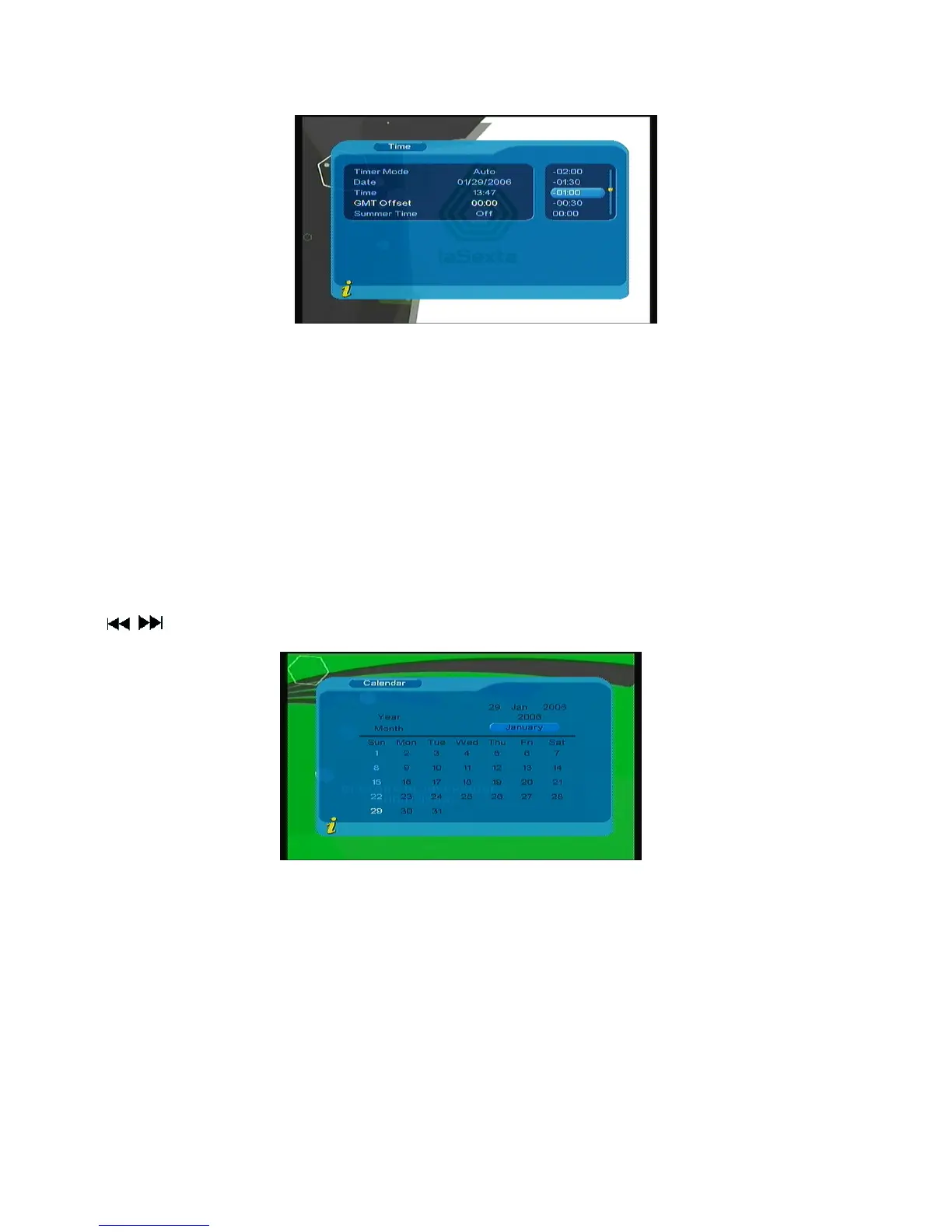
Figure 3.24
(2).Press▲▼ to move upward and downward the cursor to choose, you can see corresponding change
in Time option, press ENTER to confirm;
(3).Move the cursor to Summer Time option, and then press◄► to set Summer Time.
2. When the setting is Manual, press▲▼ to move upward and downward the cursor to move only
between Timer Mode, Date and Time.
(1). Set Date option, move the cursor upward and downward onto Date option , press◄► to enter date
setting menu, press ◄►to switch days, press▲▼ to switch weeks, press ◄◄ /►► to switch months, press
/ to switch years, as shown in Figure 3.25
Figure 3.25
(2). Move the cursor upward and downward to Time option, press 0-9 number key to revise values.
3. After time is set, Press ENTER to save the setting, the system will hint with” Update succeeds”.
18



 To Next Page