1.2. Keys definition
CH+
Move up in the menus and change to the previous channel in viewing mode.
CH-
Move down in the menus and change to the next channel in viewing mode.
VOL+
Move right/change settings in menus. Increase the volume level in viewing mode.
VOL-
Move left/change settings in menus. Decrease the volume level in viewing mode.
OK
To confirm a selection
Press to open the menus /exit to go back to the topper menus.
MODE
Press this button to switch display mode:4:3LB, 4:3PS,16:9
2. INTRODUCTION
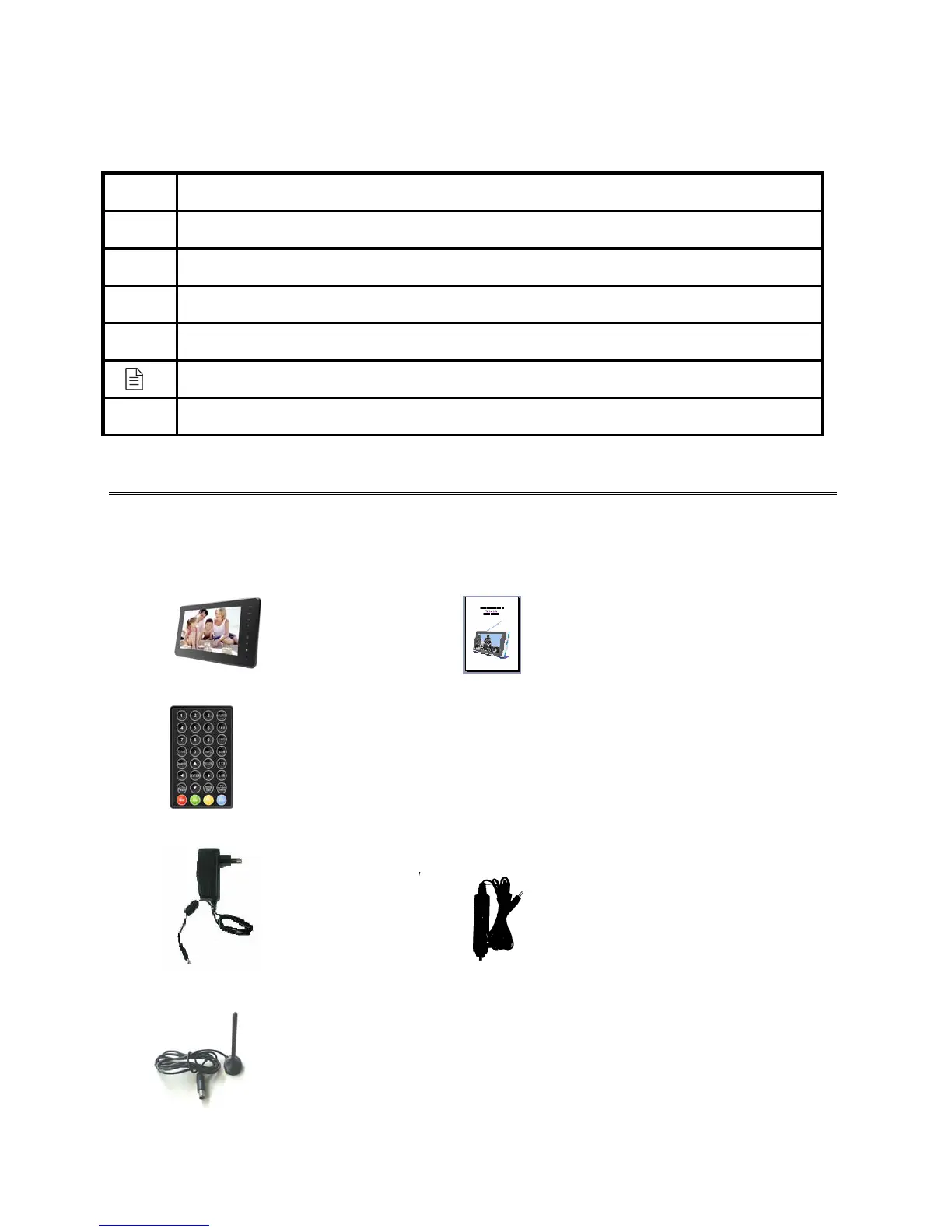
2.1. Check list
The box for your TFT-1021 should contain the following items:
z The TFT-1021 machine Owner’s manual
z Remote control
z Power supply adapter (AC adapter) Car Power Adapter
z Accessorial Antenna
3



 To Next Page