Press ▲▼to move upward and downward the cursor to choose option. When the cursor stays on the
option: press◄► to move the cursor into the right list, press▲▼ to move upward and downward the cursor to
choose, press ENTER to confirm;
(1).Surround: To set stage effect, OFF, Concert, Church, Passive, Live
(2).LCN: To set the LCN on or off, if the LCN choose ON, the front of the programs display LCN number,
(3).Area: To set scanning area and choose, choose area to download preset channel settings.
Includes Germany, England, Italy, France, Spain, Holland and so on.
4. Time:
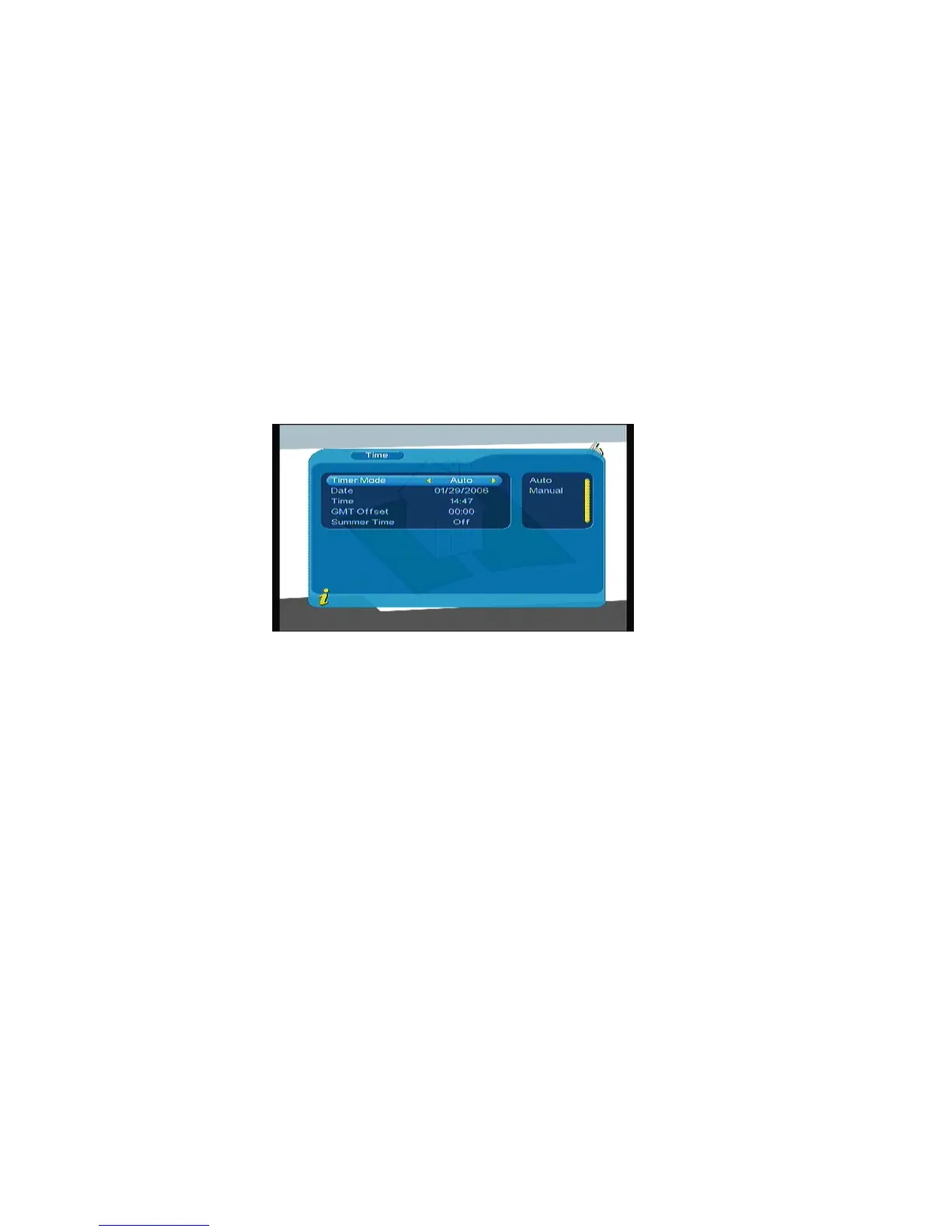
Via menu (MENU->Digital TV->Configuration -> Time), enter time set, as shown in Figure 3.23
Figure 3.23
You can set Timer Mode in Time page: Timer Mode: set Time Mode, Date: set date, Time: set time,
GMT Offset: set GMT Offset, Summer Time: set summer time.
In Time menu, there are two time modes, one is Auto setting: revise via setting GMT Offset, Summer
Time options; the other is Manual setting: revise via setting Date, Time options. When the cursor moves onto
Timer Mode option, Press◄► to choose time mode.
1. The system defaults the setting as Automatic, press ▲▼ to move upward and downward the cursor to
move only between Timer Mode, GMT Offset and Summer Time.
(1).Move the cursor to GMT Offset option, Press► to move the cursor into the Properties list on the right,
as shown in Figure 3.24
17



 To Next Page