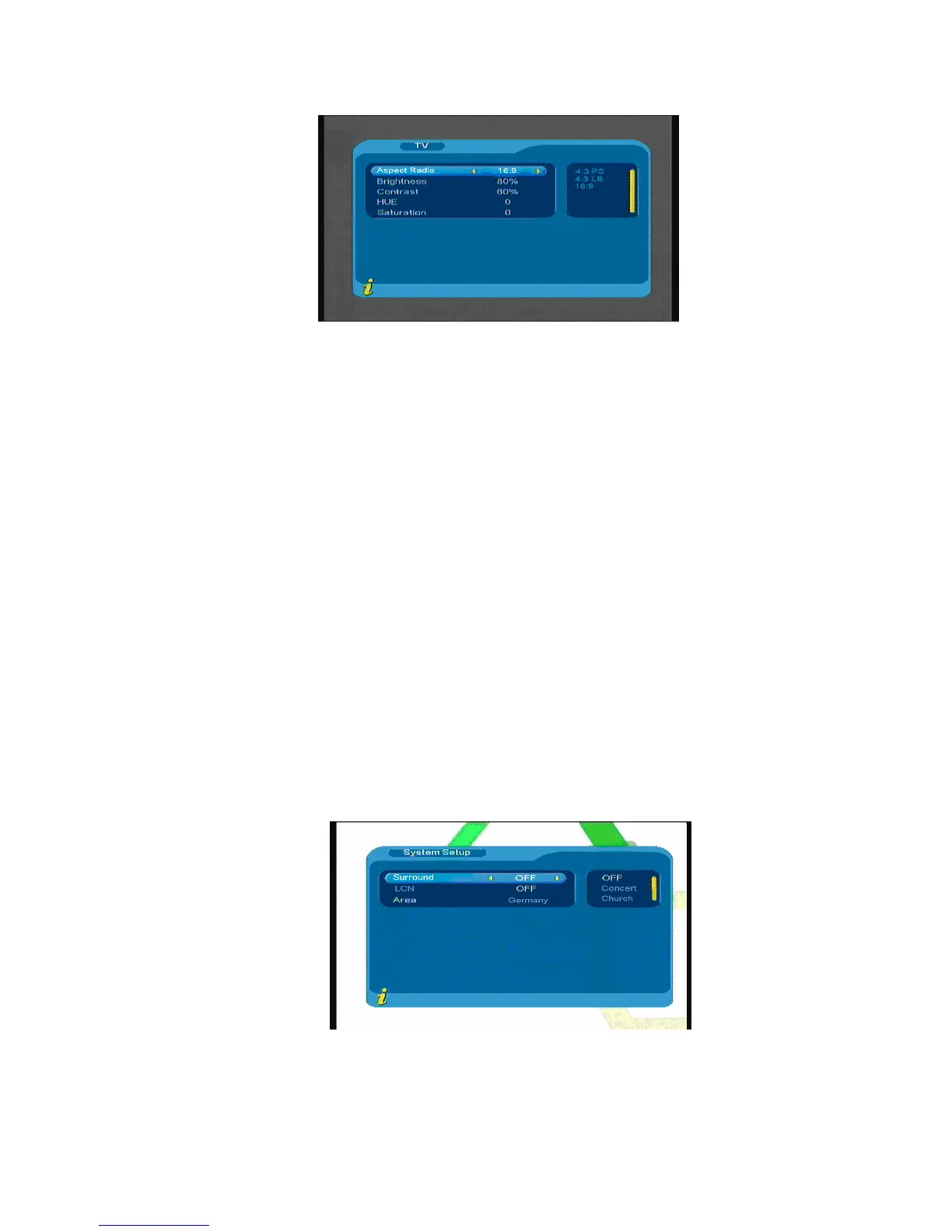
Figure 3.21
All options are listed on the left of the menu, when the cursor moves to the option on the left of the TV
menu, the values corresponding to this option can be displayed on the right of the menu. Move the cursor to
TV option, press ◄►to choose circularly among the options, and the TV mode set can be effective
immediately; under the TV setup menu, it includes follows:
(1).Aspect Ratio: 4:3PS/4:3LB/16:9
You can adjust TV mode accord to the actual situation of you receiving equipment
(2).Brightness: 0%~100%
(3).Contrast: 0%~100%
(4).HUE: -6,-5,-4,-3,-2,-1, 0, 1, 2, 3, 4, 5, 6
(5).Saturation; 0~12
3. System setup
System Setup menu can provide convenient system setup, you can via menu (MENU->Digital
TV->Configuration -> System Setup) enter System Setup menu, as shown in Figure 3.22
:
Figure 3.22
16



 To Next Page