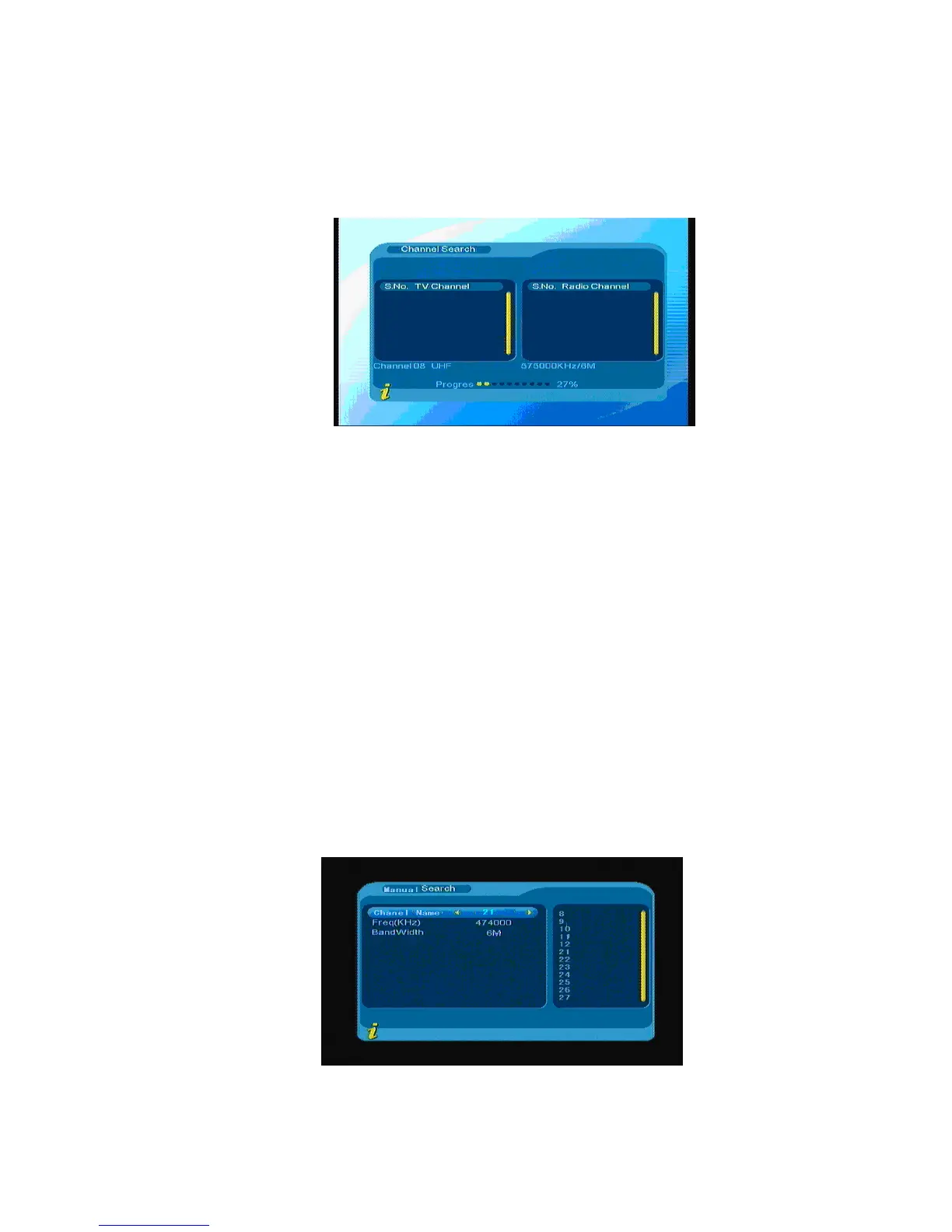
1. Auto search
You can move the cursor to “auto search” via press “▲▼” under “installation menu”, then press “ENTER”
to enter into auto searching page, As shown in the figure 3.13
Figure 3.13
After entering into auto search page, system will scan all programs one by one under frequency points of
current countries or regions selected automatically. During scanning, press Menu/Exit to stop and exit
scanning. If any program is detected and the scanning process is finished, system will exit the scanning page
and save the program, at the same time return to the installation menu and to play them in small window
automatically.
2. Manual search
If you understand much about digital TV and know the frequency of the program or if you want to scan
the program at any frequency required, you can select manual scanning which can save your much time.
You can move the cursor to “manual search” via press ▲▼under Installation menu, and then press
ENTER to enter into manual searching page, under the searching menu, display the relevant parameters
Freq (KHz) and Band Width. As shown in the figure 3.14: then press ENTER to start search.
Figure 3.14
12



 To Next Page