Page 10
Menu Interface DATA (Continued)
DATA > NETWORK
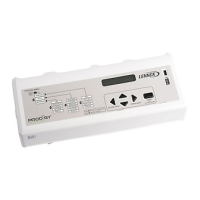
In the DATA menu, use until NETWORK is displayed.
Press to enter the NETWORK menu.
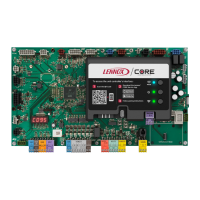
Read the NETWORK addresses stored in the M2 unit con-
troller.
Use arrows to move
LCONN ADDRESS
BACNET ADDRESS
LONTALK ADDRESS
NETWORK
Use the up/down arrows
to scroll through a list of
device addresses
DATA > FACTORY
In the DATA menu, use until FACTORY is displayed.
Press
to enter the NETWORK menu.
Read the FACTORY information stored in the M2 unit con-
troller. Use
Use arrows to move
READ M2 SOFTWARE VERSION M2 VX.XX
READ DB SOFTWARE VERSION DB1 VX.XX
READ FACTORY REPORT
CATALOG NO. (catalog number)
MODEL NO. (model number)
SERIAL NO. (serial number)
FACTORY
Use the up/down arrows
to scroll through the read-
able entries. Use the se-
lect button to view soft-
ware versions.


 To Next Page
 Loading...