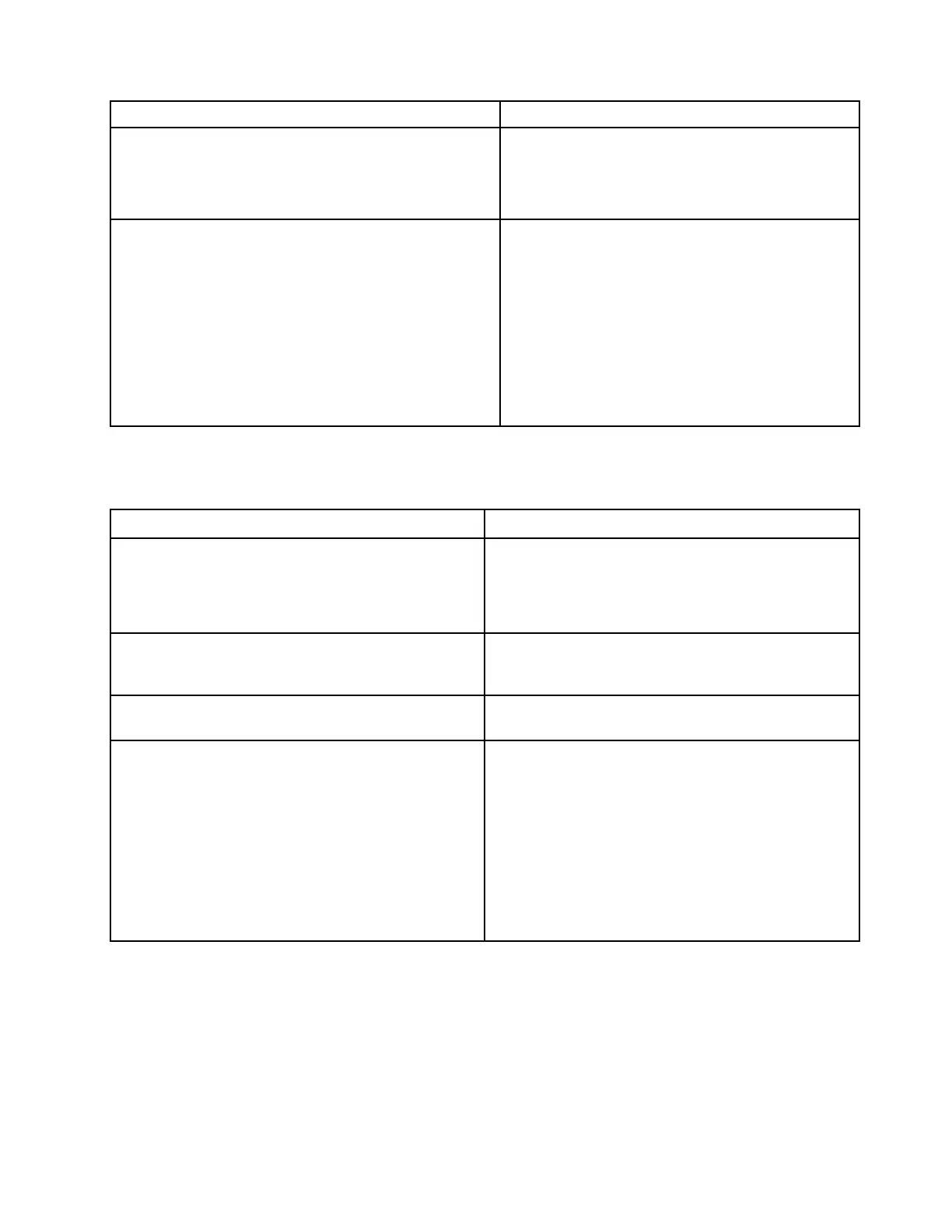
Error codes Solutions
0287: Discrete graphics error
1. Reinstall or replace the discrete graphics card
(service provider only).
2. If step 1 does not work, replace the system board
(service provider only).
0288: Computer display error
1. Reconnect the display cable on both the system
board side and the computer display side (service
provider only) and check the LCD panel.
2. If step 1 does not work, connect an external
display to your computer and check the status
(customer or service provider).
• If the external display works, replace the LCD
panel (service provider only).
• If the external display does not work, replace
the system board (service provider only).
No-beep symptoms
Table 3. No-beep symptoms
Symptom or error
FRU or action, in sequence
No beep, power-on indicator on, LCD blank, and no
POST.
1. Run LCD Self Test.
2. Ensure that every connector is connected tightly and
correctly.
3. Reseat memory module.
4. Replace the system board.
No beep, power-on indicator on, and LCD blank during
POST.
1. Run LCD Self Test.
2. Reseat memory module.
3. Replace the system board.
The power-on password prompt appears. A power-on password or a supervisor password is set.
Type the password and press Enter.
No beep, power-on indicator on, LCD blank, and LED
indicators on Esc, F1 and F4 blink sequentially during
POST.
UEFI BIOS is performing memory retraining. The memory
retraining might occur if any of the following situations is
detected:
• Memory module replacement
• Total Memory Encryption setting change in UEFI BIOS
• Memory Reference Code [MRC] change when UEFI
BIOS updates
Do not press the power button to interrupt this process.
Wait a few minutes until the logo screen is displayed.
Chapter 4. Related service information 35



 To Next Page