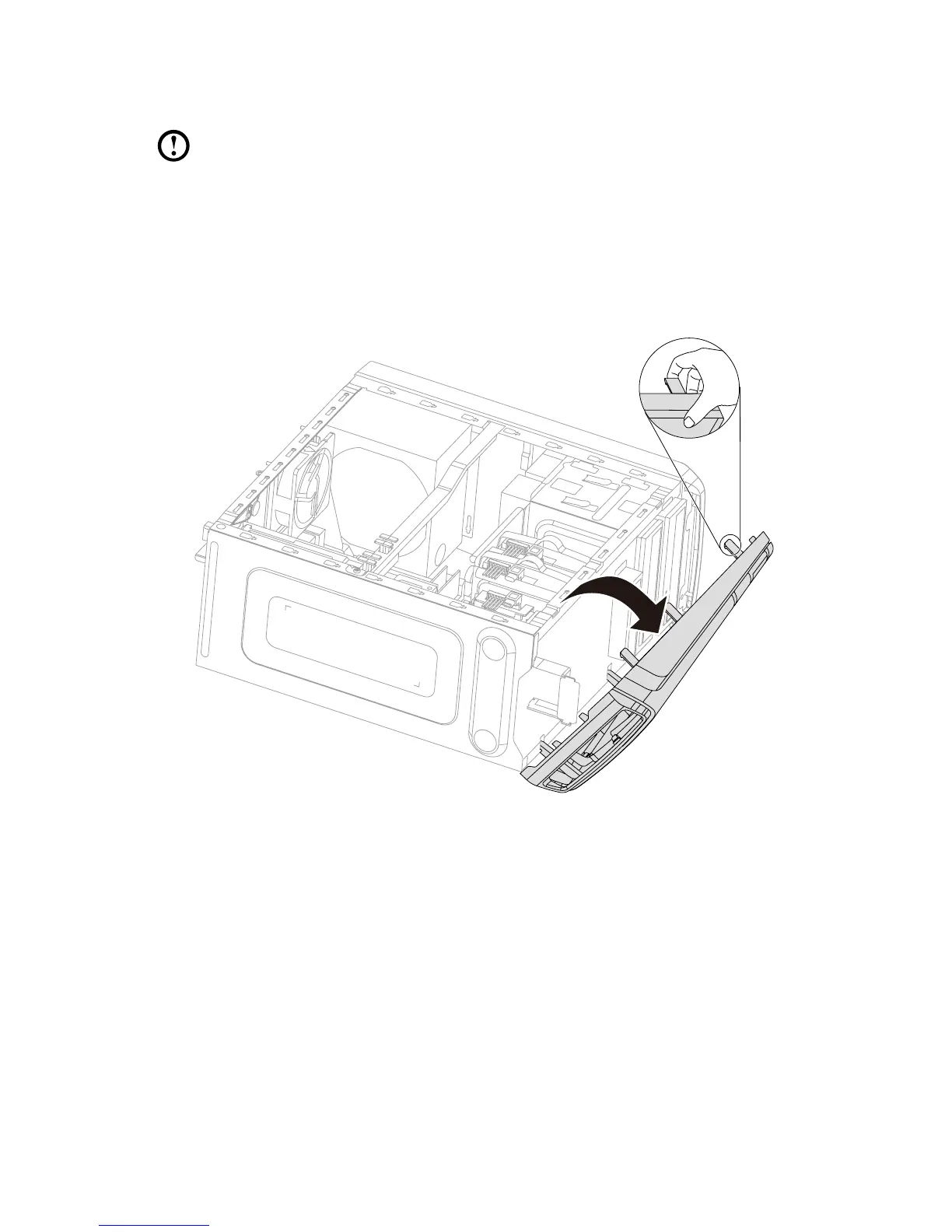
Removing the front bezel
Note: For this procedure, it helps to lay the computer on a flat, stable
surface.
To remove the front bezel:
1. Remove the computer cover. Refer to “Removing the computer cover”.
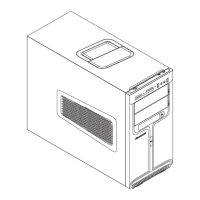
2. Remove the front bezel by releasing the three plastic tabs inside the chassis
and sliding the bezel out as shown.
3. To reattach the bezel, align the plastic tabs on the bottom of the bezel with the
corresponding holes in the chassis, and then snap it into position.









 To Next Page