33
Appendix A. CRU instructions
Customer Replaceable Units (CRUs) are parts that can be upgraded or
replaced by the customer. If a CRU is determined to be defective during the
warranty period, a replacement CRU will be provided to the customer.
Customers are responsible for installing the self-service CRUs for this
product. Customers also can install optional-service CRUs, which might
require some technical skills or tools, or request that a technician install the
optional-service CRU under the terms of the applicable warranty service
type for your country or region.
CAUTION:
Set the built-in battery in Ship Mode before replacing a CRU or sending your
computer for service.
1
Turn off the computer and disconnect the AC adapter.
2
Press Fn + S + V.
3
Press the Power button to verify if Ship Mode has been set.
Notes:
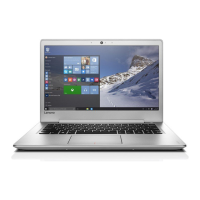
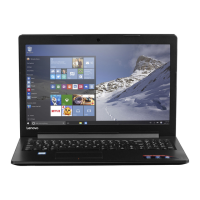
• The illustrations used in this chapter are of the Lenovo ideapad 310-14ISK, unless
otherwise stated.
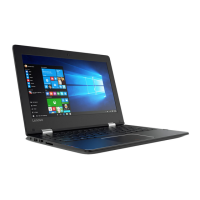
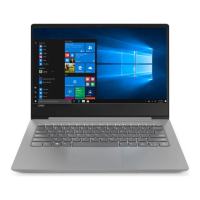
• The illustrations in this manual might differ from the actual product. Please refer to the
actual product.
• The CRU service is only applicable to certain countries.
Note: When set in Ship Mode, the battery does not supply power to the computer. To awake
the battery from Ship Mode, connect the AC adapter to your computer.









 To Next Page