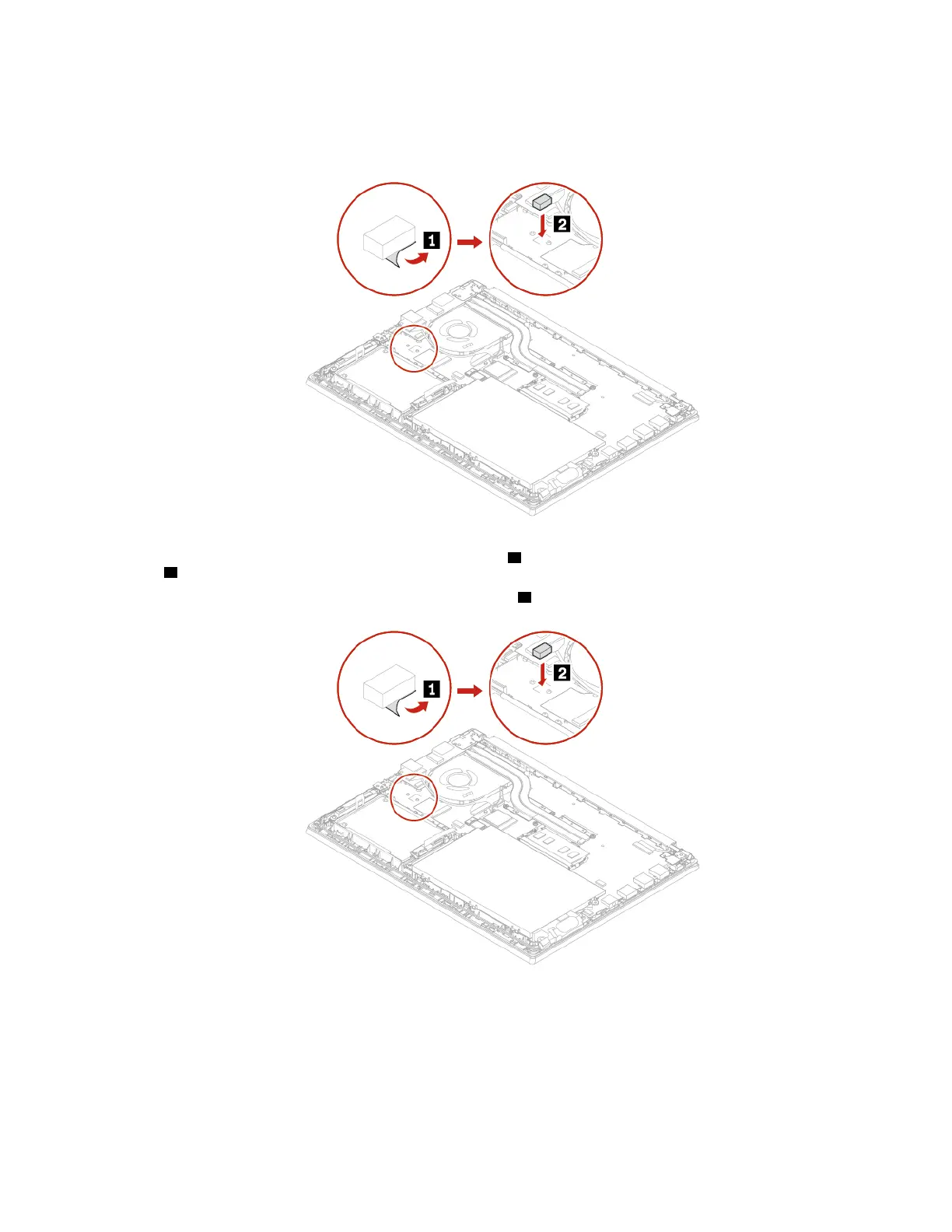
8. Install a new M.2 solid-state drive by doing the following:
Note: Before installing a new M.2 solid-state drive, ensure that you install the rubber in place first.
a. Align the contact edge of the new M.2 solid-state drive with the key in the slot and carefully insert the
drive into the slot at an angle of about 20 degrees
1 . Then, pivot the M.2 solid-state drive downward
2 .
b. Install the screw to secure the M.2 solid-state drive
3 .
Chapter 6. CRU replacement 47















 To Next Page