Chapter1.Aboutthedock
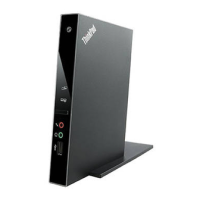
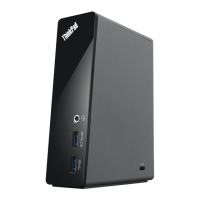
Thischaptercontainsproductdescription,connectorandcontrollocations,andsystemrequirementsforthe
ThinkPad
®
OneLinkDock(hereaftercalledthedock).
Productdescription
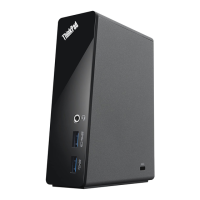
Thedockisaportableexpansionmodulethatenablesyoutoeasilyconnectyournotebookcomputertothe
Ethernetandmultipledevices,suchasaHighDenitionMultimediaInterface(HDMI)monitororprojector,a
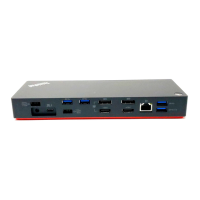
headsetandmicrophonecombojack,andUniversalSerialBus(USB)devices.ItprovidestwoUSB3.0
connectorsforhigherbandwidthandbetterperformance,andtwoUSB2.0connectorsforcommonUSB
devices.ThedockalsosupportsGigabitEthernetspeedwhenyouconnectittonetworks.
YoucansetupyourworkareabyconnectingyournotebookcomputertothedockwiththeOneLinkcable,
connectingmultipledevicestothedock,andsettingthedockonyournotebookcomputer;then,youare
readytousethemultipledeviceseachtimeyouconnectyournotebookcomputertothedock.
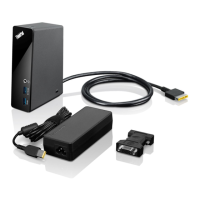
Youroptionpackageincludesthefollowing:
•ThinkPadOneLinkDock
•HDMI-to-VGAadapter
•Cablemanagementstand
•Warrantyposter
Contactyourplaceofpurchaseifanyitemismissingordamaged.Besuretoretainyourproofofpurchase
andpackingmaterial.Theymightberequiredtoreceivewarrantyservice.
©CopyrightLenovo2013
1



 To Next Page
 Loading...