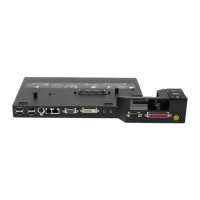
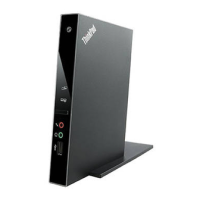
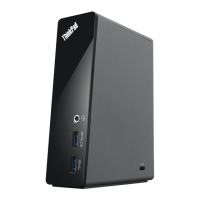
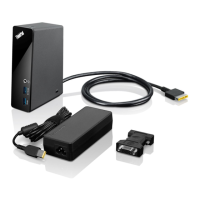
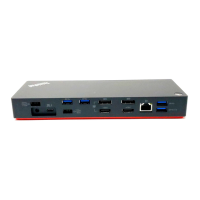
Locatingconnectorsandcontrolsonthedock
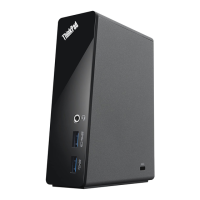
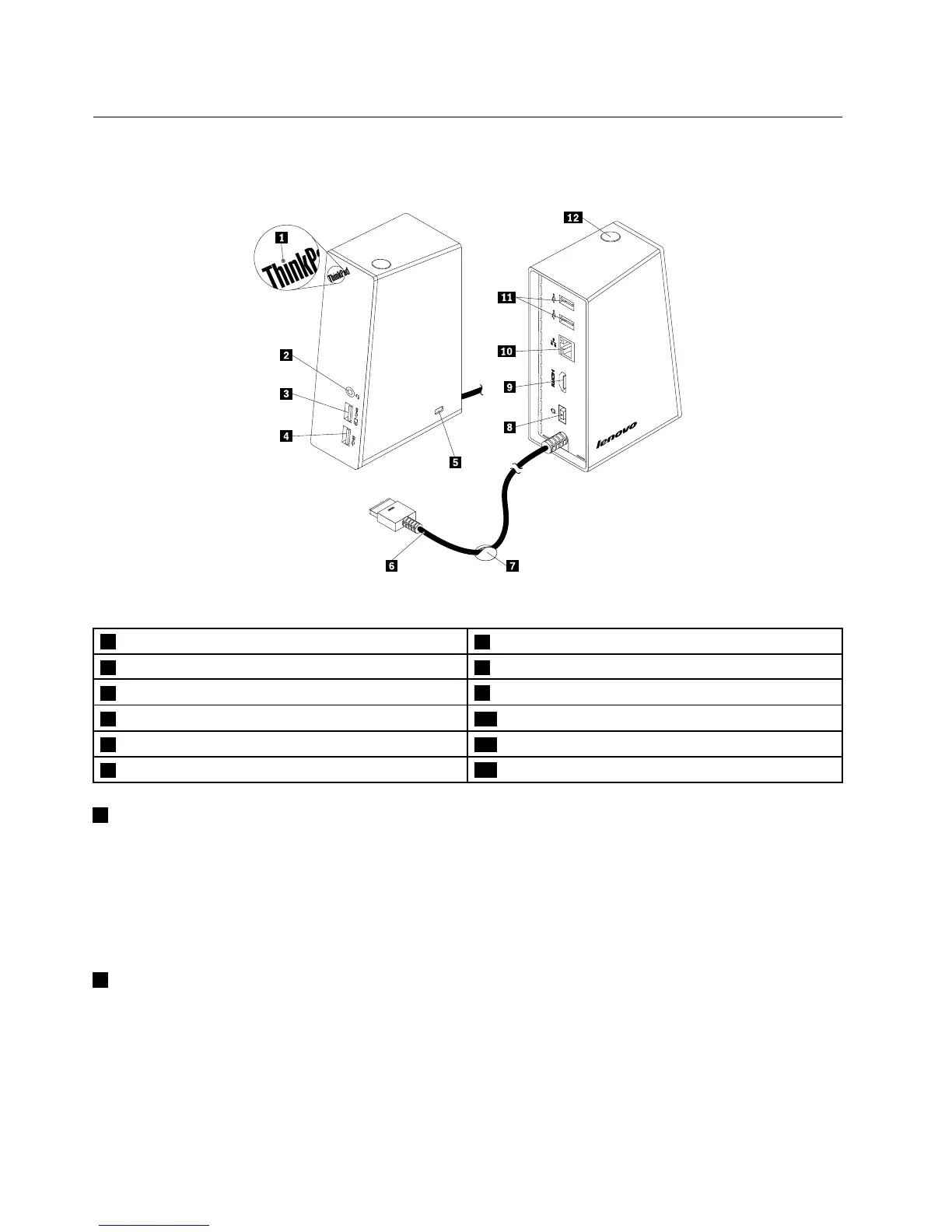
Thefollowingillustrationhelpsyoulocatetheconnectorsandcontrolsonthedock.
Figure1.Overviewofthedock
1Powerindicator
7Cablemanagementstand
2Headsetandmicrophonecombojack8Powerconnector
3USB3.0connectorwithbatterychargingfunction
9HDMIconnector
4USB3.0connector10GigabitEthernetconnector
5Security-lockslot11USB2.0connectors
6OneLinkcable
12Powerbutton
1Powerindicator
Thepowerindicatorisusedtoindicatethepowerstatusofthenotebookcomputerthatconnectswiththe
dock.
•Ifthepowerindicatorislitinred,itindicatesthatthenotebookcomputeristurnedon.
•Ifthepowerindicatorisoff,itindicatesthatyournotebookcomputeristurnedoff,insleepmode,orin
hibernationmode;orthedockisdisconnectedfromyournotebookcomputer.
2Headsetandmicrophonecombojack
Theheadsetandmicrophonecombojackisusedtoconnectaheadset,amicrophone,oraspeaker.
2ThinkPadOneLinkDockUserGuide


 To Next Page
 Loading...