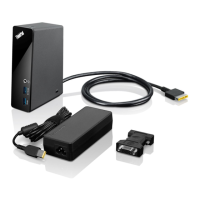
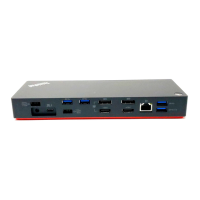
Chapter2.Installingthedock
Thischapterprovidesinstructionsonhowtoconnectthedocktoyournotebookcomputer,andmanually
installthedevicedriver.
Connectingthedocktoyournotebookcomputer
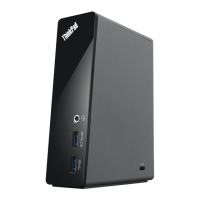
ThistopicprovidesinstructionsonhowtoconnectthedocktoyournotebookcomputerusingtheOneLink
cablealongwiththepoweradapterandpowercordofyourcomputer.
Notes:
•Ensurethatyoucorrectlyconnectthedocktoanacpowersource.
•YoucanpresstheOneLinkcableintothecablemanagementstandtooptimizedeskspace.
Toconnectthedocktoyournotebookcomputer,dothefollowing:
1.Removethepoweradapterfromyournotebookcomputer.
2.RemovetheLenovo
®
OneLinkconnectorcoverfromyournotebookcomputer.
Figure2.RemovingtheLenovoOneLinkconnectorcover
©CopyrightLenovo2013
5



 To Next Page
 Loading...