• System fan
• Wi-Fi card*
• Wi-Fi card shield*
* for selected models
Remove or replace a CRU
This section provides instructions on how to remove or replace a CRU.
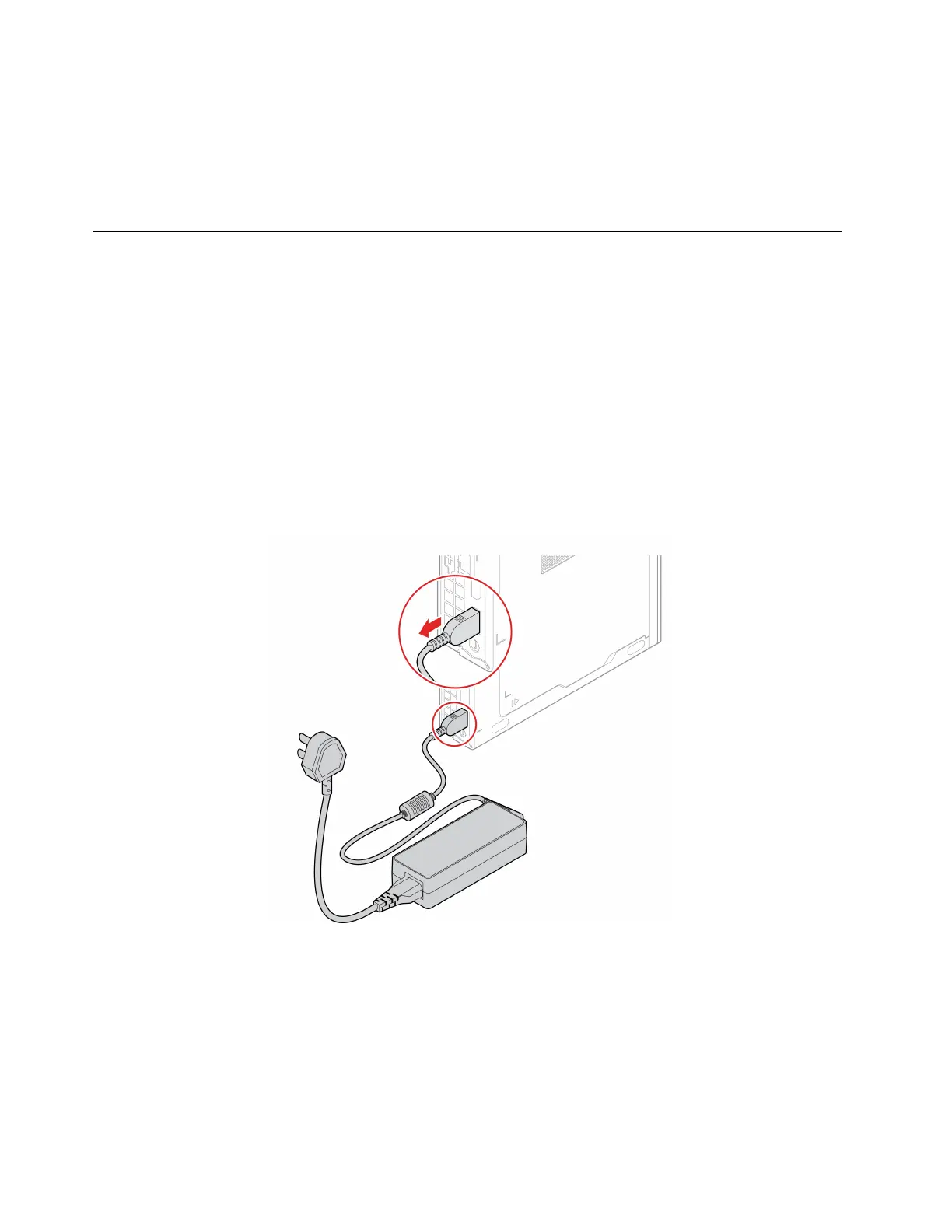
Power adapter and power cord
Prerequisite
Before you start, read Generic Safety and Compliance Notices, and print the following instructions.
For access, do the following:
1. Turn off the computer and remove all connected devices and cables.
2. Disconnect the computer from ac power and all connected cables.
Removal steps
28 P360 Tiny User Guide


 To Next Page