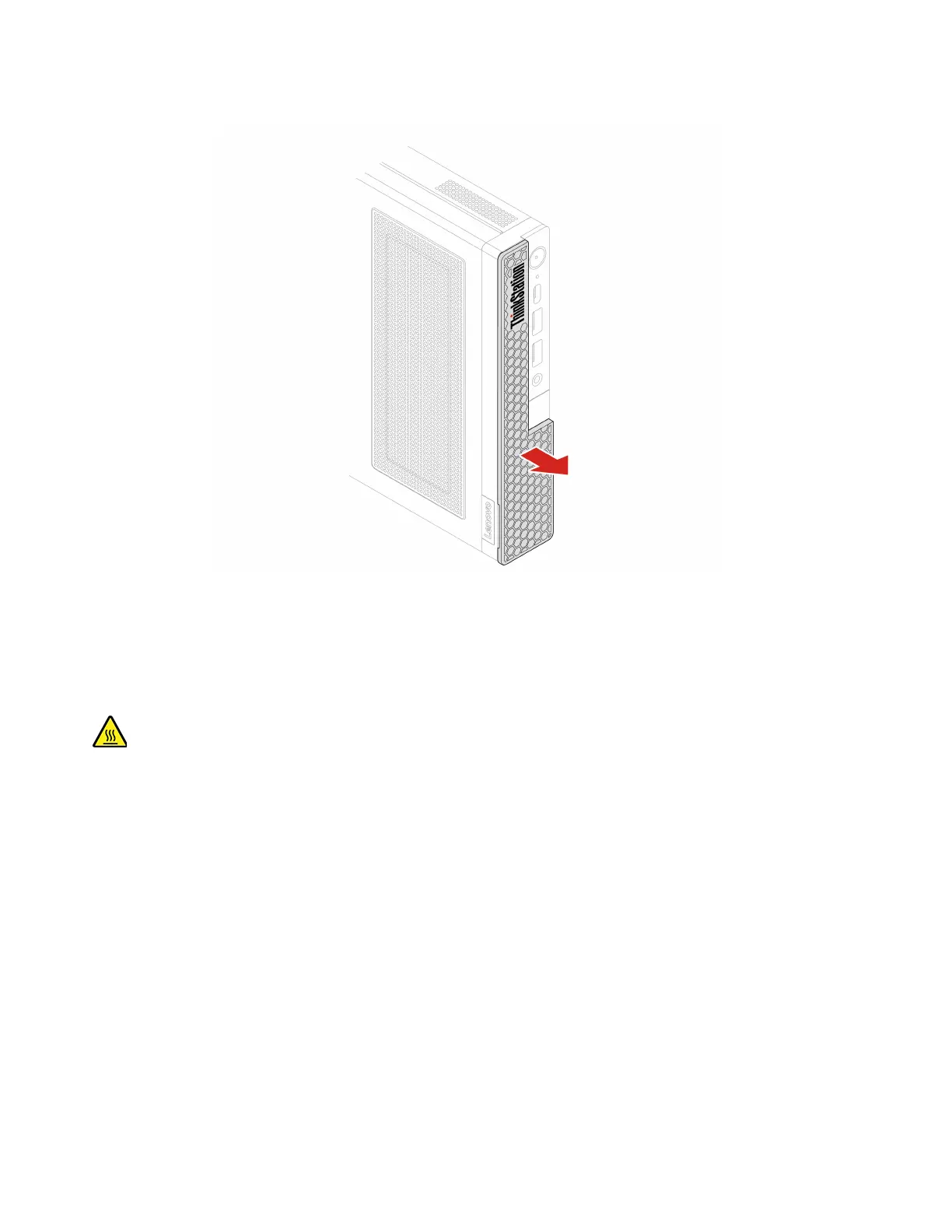
Removal step
Computer cover
Prerequisite
Before you start, read Generic Safety and Compliance Notices, and print the following instructions.
Before you open the computer cover, turn off the computer and wait several minutes until the computer is
cool.
For access, do the following:
1. Turn off the computer and remove all connected devices and cables.
2. Disconnect the computer from ac power and all connected cables.
3. Unlock any locking device that secures the computer cover.
4. Remove these parts, if any:
• “VESA mount bracket” on page 29
• “Vertical stand” on page 29
• “External Wi-Fi antenna” on page 30
• “External optical drive box and external optical drive” on page 31
34
P360 Tiny User Guide


 To Next Page