- 8 -
Getting to Know Your Watch
•
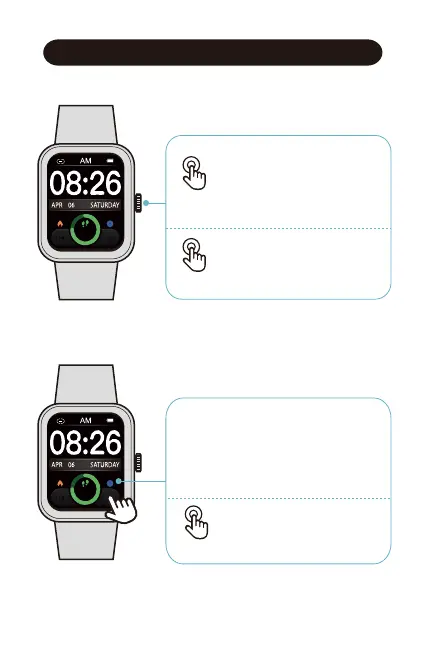
Function Button
● Wake the screen
● Return to the home screen
● Go to the Function List
● Pause / resume the sport
● Power on / off the watch
Press
Hold
•
Touch Screen
● Swipe to go to different interfaces
● Tap to enter the function
● Swipe the screen to the right to
return to the previous interface
8000
234 25
8000
234 25
● Customize the Home Screen
Hold



 To Next Page