- 10 -
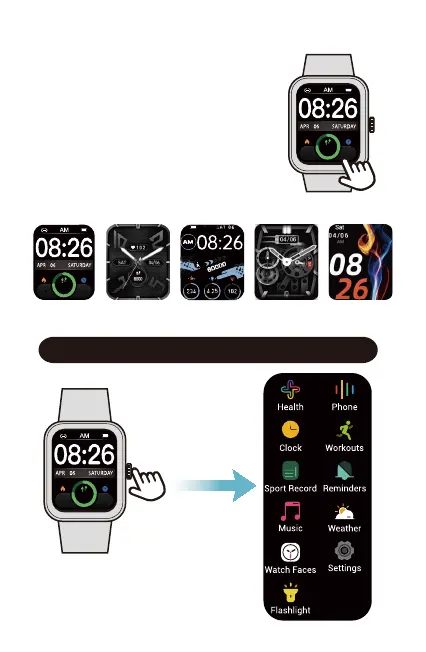
After the watch is paired with your
phone, the home screen will display the
time and date.
You can customize the home screen by
following the steps below :
1) Press and hold the watch home
screen for two seconds.
2) Swipe left / right to choose one and
tap to confirm.
Function Introduction
Customize the Home Screen
Press the watch
function button go to
the function list
8000
234 25
8000
234 25
8000
234 25



 To Next Page