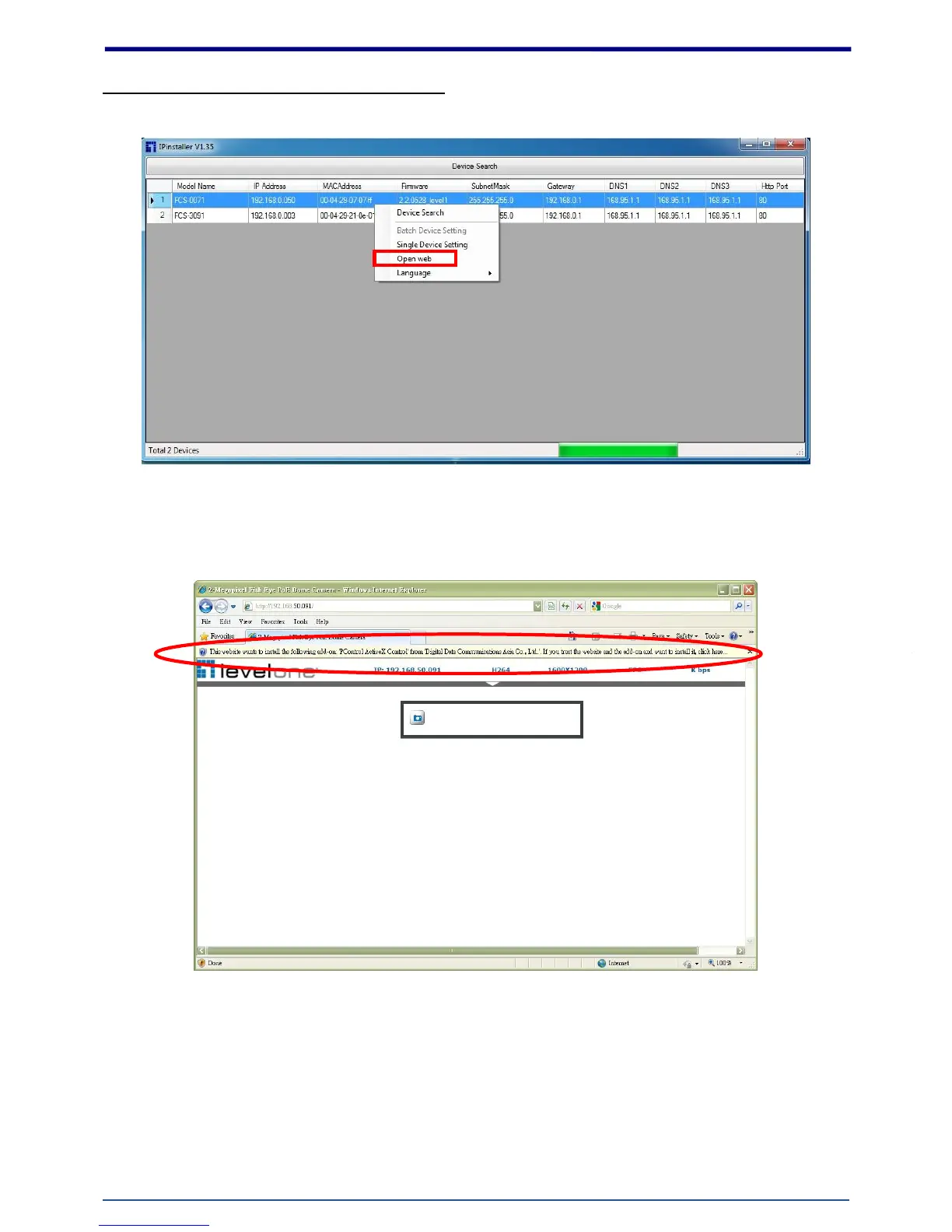
Open the Web-based UI of the selected camera
1. To access the Web-based UI of the selected unit, run the Open Web on the select item.
2. For first time user, there will be a prompt to install the ActiveX control. Confirm the installation as it
is required to view the video stream and some operations.
3. If the device has been configured correctly, the default Web browser will open to the home page of
the selected device.















 To Next Page