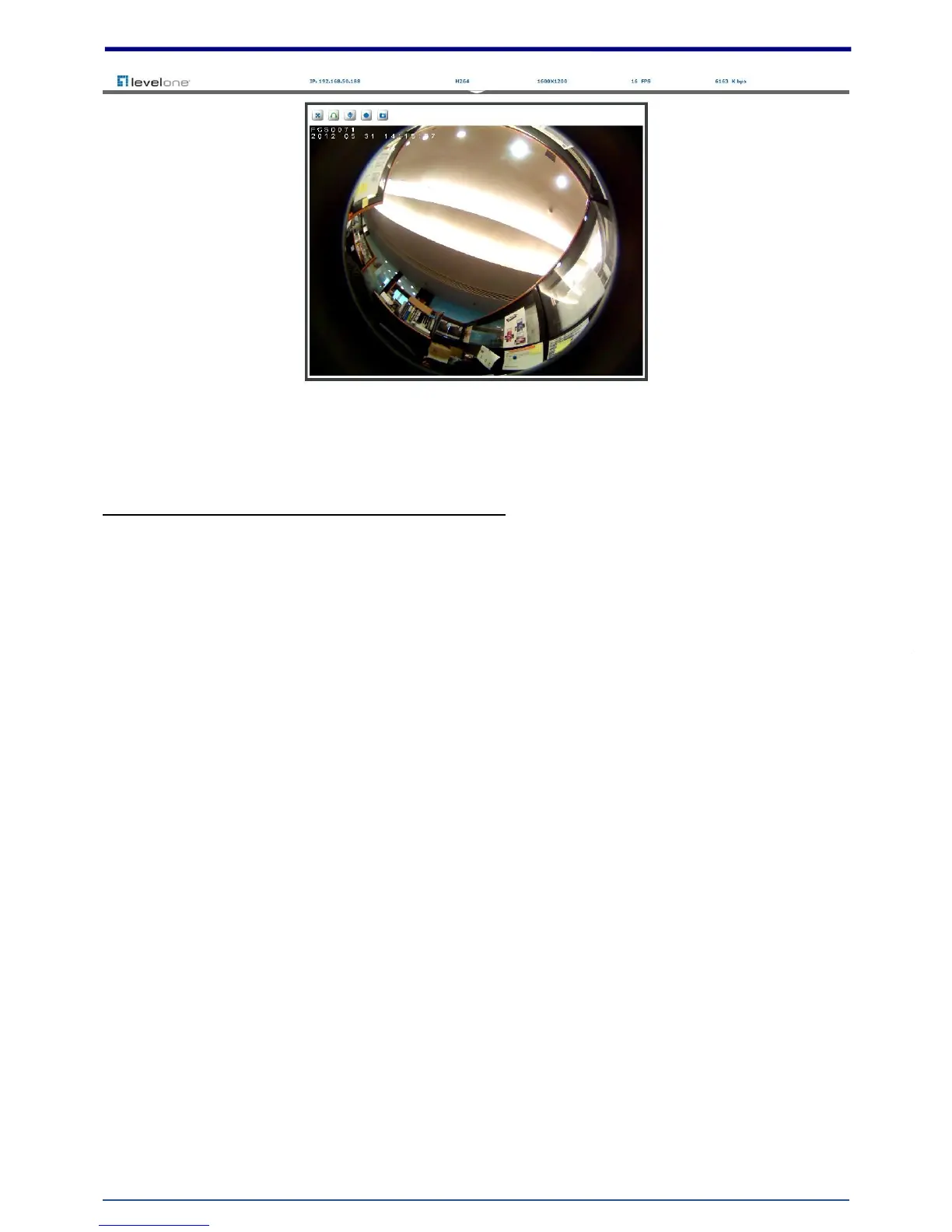
Verify and Complete the Installation from Your Browser
When browsing the Home Page at the first time with the Microsoft Internet Explorer
TM
, you must
temporarily lower your security settings to perform a one-time-only installation of the ActiveX
component onto your workstation, as described below:
1. From the Tools menu, select [Internet Options]
2. Click the [Security] tab and then click [Custom Level] button to see your current security settings.
3. Set the security level to Low and click [OK].
4. Type the URL or IP address of your camera into the Address field.
5. A dialog box will pop up asking if the ActiveX control should be installed. Click [Yes] to start the
installation.
Once the ActiveX installation is complete, return the security settings to their original value, as noted
above.















 To Next Page