Network Camera User’s Manual
19/62
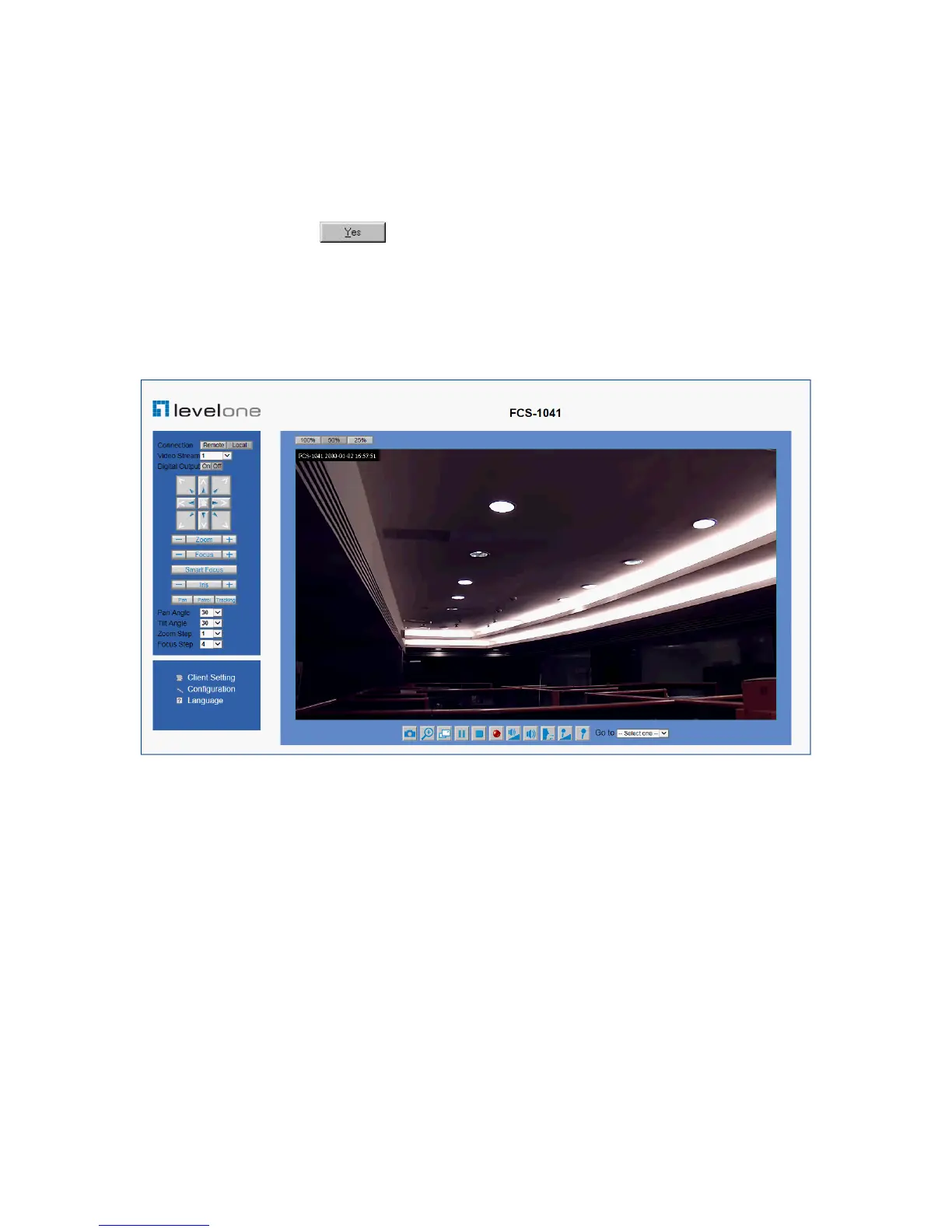
Initial Access to the Network Camera
(1) For the initial access to the Network Camera in Windows, the web browser may
prompt for permission to install a new plug-in for the Network Camera. This plug-in
has been registered for certificate and is used to display the video in the browser.
Users may click on to proceed.
1. Click “Install” and “Run” ActiveX controls
2. The video will be displayed.















 To Next Page