Network Camera User’s Manual
52/62
is displayed. You can delete files.
Move the mouse over the directory. Press the mouse left button that the file
structure expand. Press the mouse right button that Right-click menu is displayed.
You can choose upload or delete files.
NOTE:Allow the user to upload or delete files when the storage device is not write-
protected. If the SD card can’t be detected, please link to the following URL:
http://www.sdcard.org/consumers/formatter to download the ―SD Formatter Kit‖
formatting your SD card.
Syslog
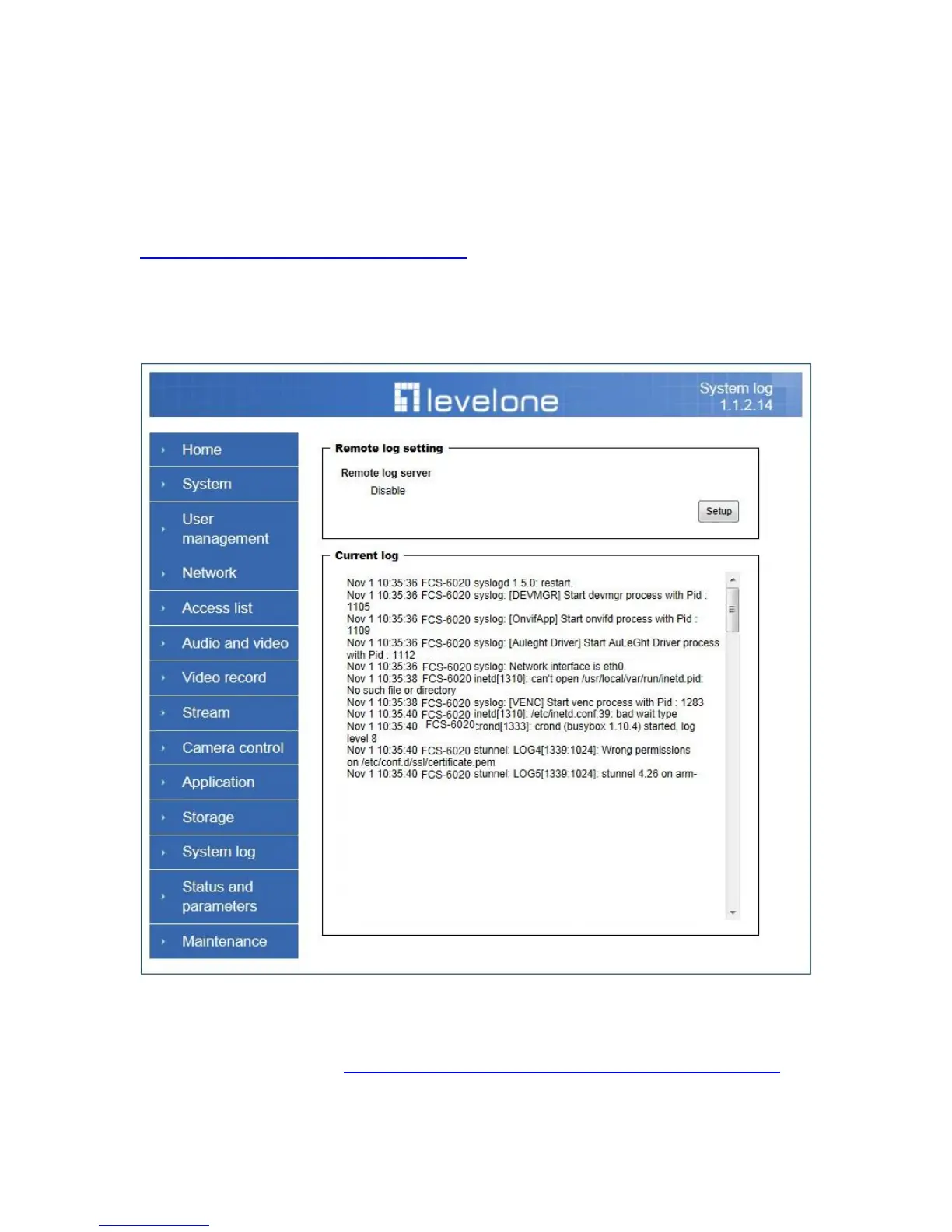
The Network camera supports log the system messages on remote server.
The protocol is compliant to RFC 3164. If you have external Linux server with sys log
service, use ―-r‖ option to turn on the facility for receiving log from remote machine. Or
you can use some software on Windows that is compliant to RFC 3164. An example is
Kiwi Syslog Daemon. Visit http://www.kiwisyslog.com/kiwi-syslog-daemon-overview/.
Check “Setup‖ and ―Enable‖ then input the “IP address‖ and “port” number of the log
server to enable the remote log facility.















 To Next Page