Network Camera User’s Manual
46/62
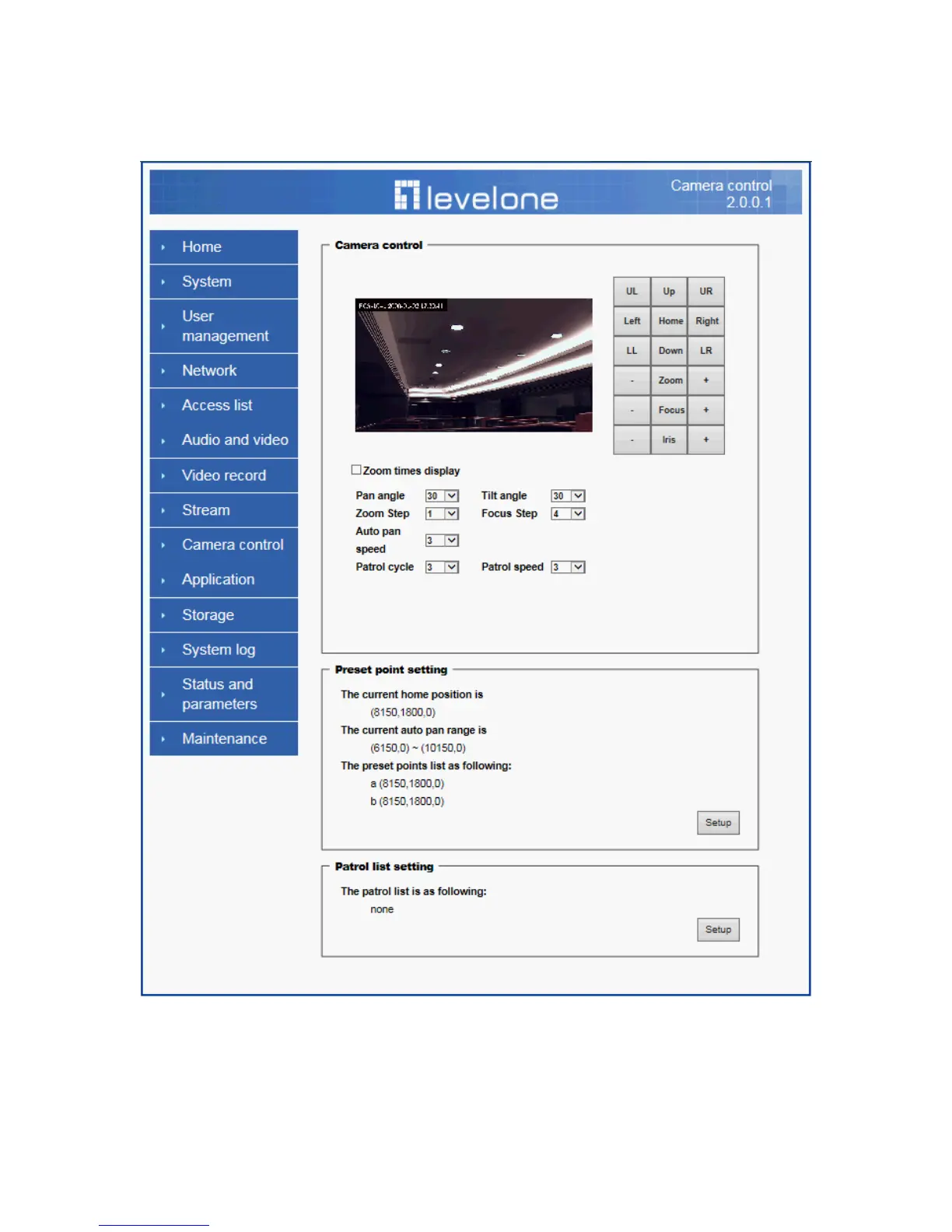
Camera control
Camera control
The pan and tilt functions can be controlled with these buttons. The “Left” button
controls the camera to the left; the “Right”, “Up”, and “Down” buttons control the
camera accordingly.
(1) “UL”, “UR”, “LL” and “LR” buttons control the camera to an oblique angle.















 To Next Page