Network Camera User’s Manual
53/62
In the “Current log”, it displays the current system log file. The content of the log
provides useful information about configuration and connection after system boot- up.
“finish” Click on this button to save modify settings.
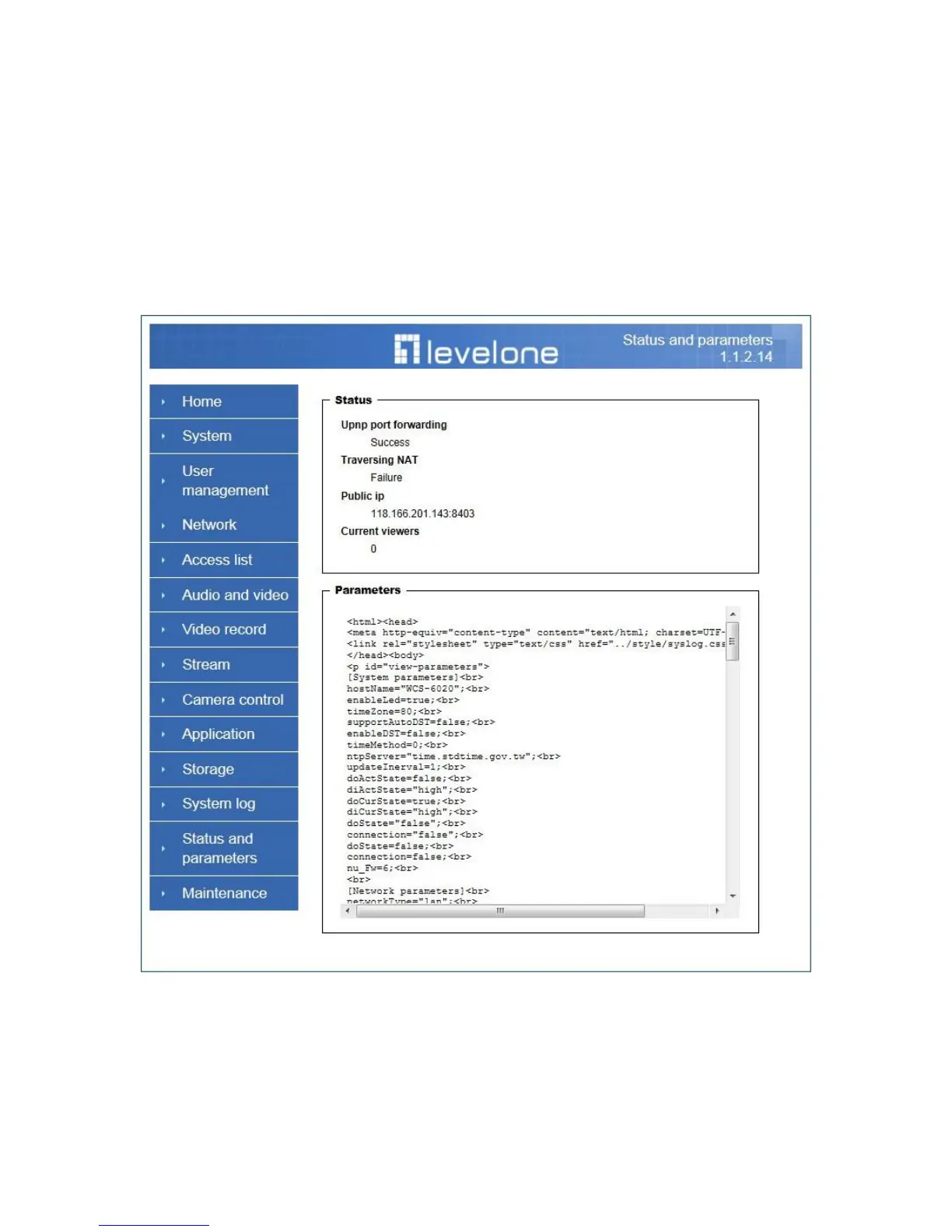
Status and Parameters
User can find a lot of information about the system such as “Upnp port forwarding”,
“Traversing NAT”, “Public IP”, and so on. User also can get the number of current
viewer of the Network Camera here.















 To Next Page