Network Camera User’s Manual
51/62
Storage
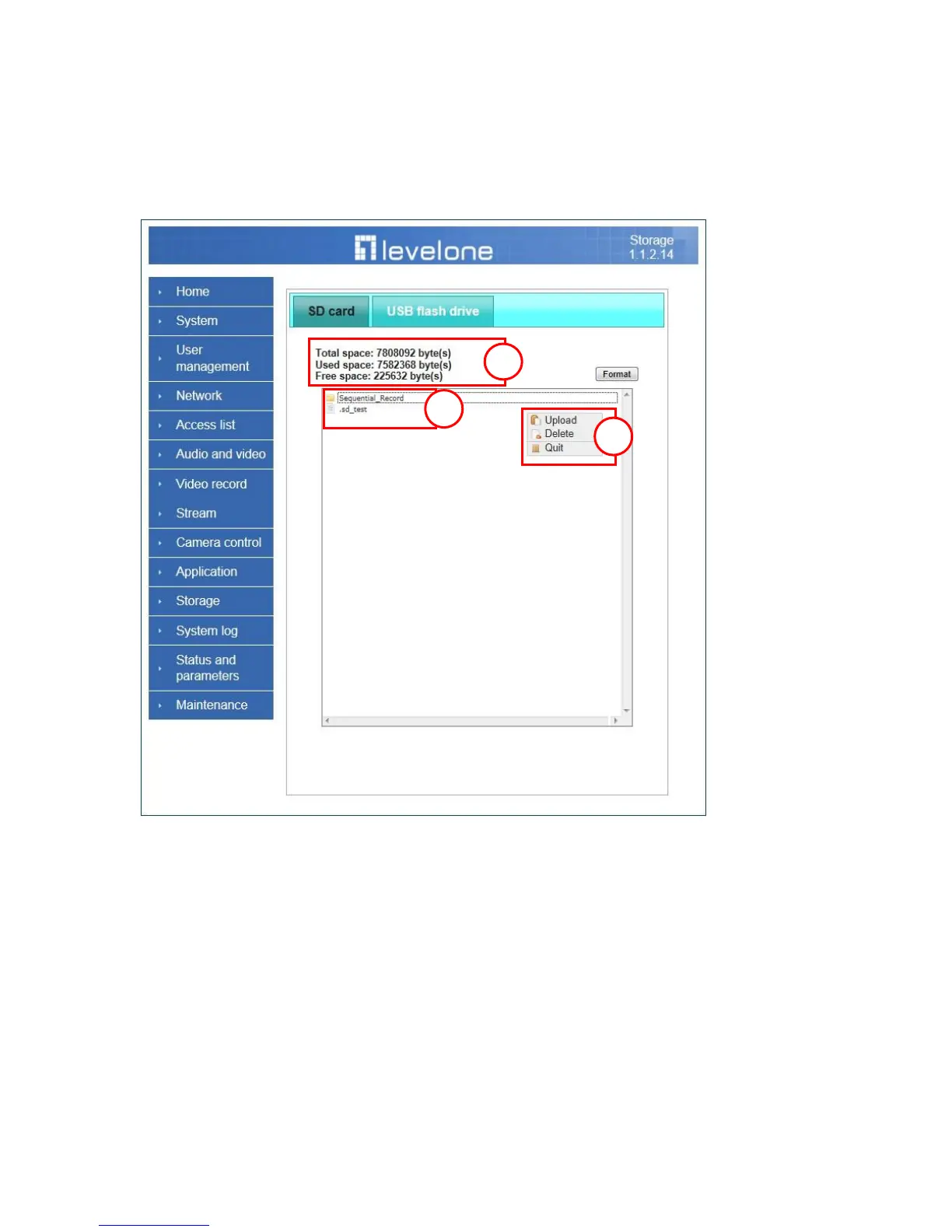
Manage the storage device (like SD card or USB flash disk).
Storage Status
Here show the storage device information.
NAS server setting
(1) ―NAS Host name‖ Choose and input the NAS Host name of this camera.
(2) ―Workgroup‖ Input the name of Workgroup. You can see the NAS Host name
you input in the same workgroup with your PC. Then you can connect to this
device and download the files easily from SD card or USB which is inserted to
this camera.
File operation
Move the mouse over the file. Press the mouse right button that Right-click menu















 To Next Page