Network Camera User’s Manual
8/62
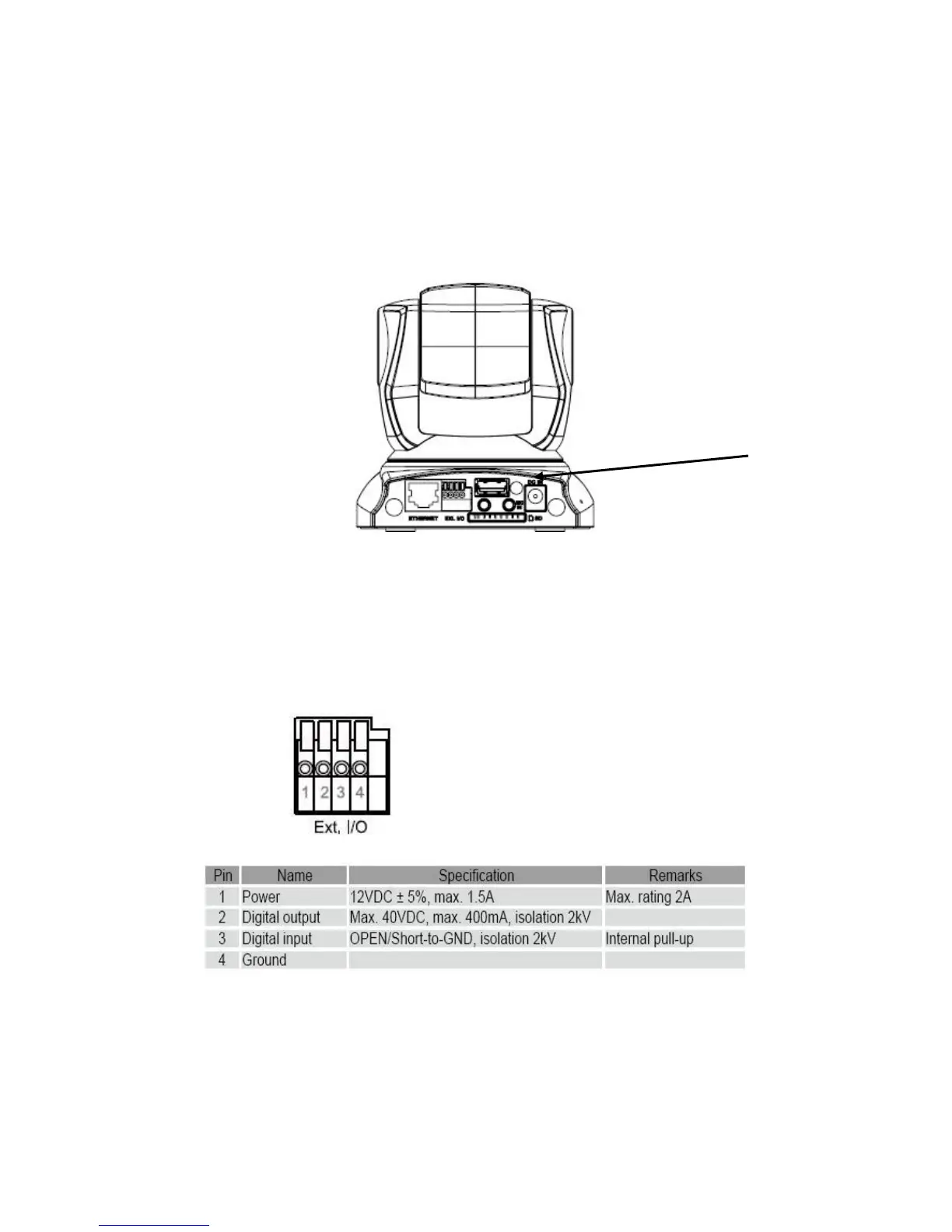
4. Connect the external power supply to Network Camera
Connect the attached power adapter to the DC power jack of the Network Camera. Note:
Use the power adapter, 12VDC, included in the package and connect it to wall outlet for
AC power.
Once you have installed the Network Camera well and powered on, the camera
will do self-rotation and then the red LED will turn on and green LED will flash
every second. It means that the system is booting
5. General I/O Terminal Block
1: Power
2: Digital output
3. Digital input
4. Ground















 To Next Page