User's Manual - 101
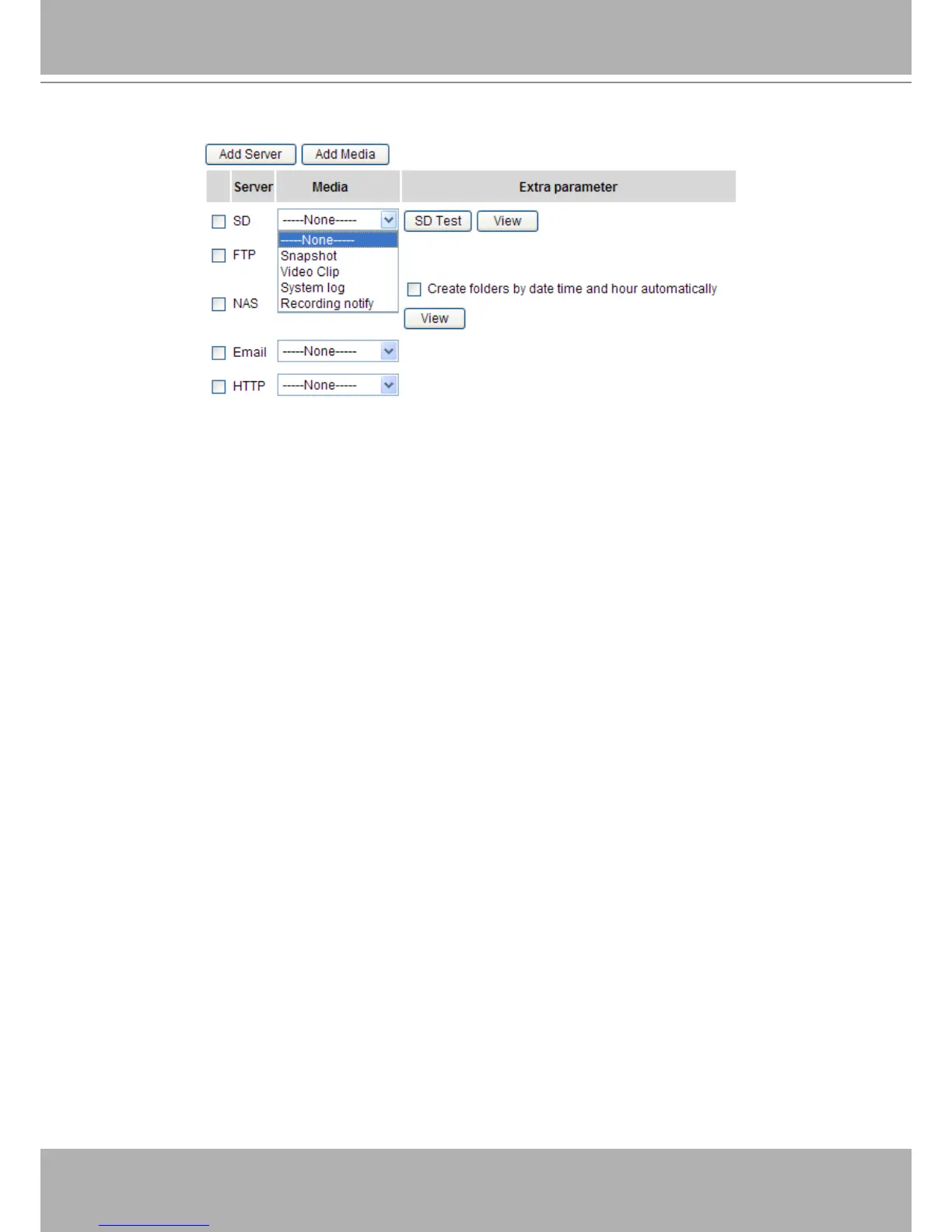
You can continue to select a server and media type for the event. Please go back to page 66 for detailed
information.
■ SD Test: Click to test your SD card. The system will display a message indicating success or failure. If
you want to use your SD card for local storage, please format it before use. Please refer to page 93 for
detailed information.
■ Create folders by date, time, and hour automatically: If you check this item, the system will generate
folders automatically by date.
■ View: Click this button to open a file list window. This function is only for SD card and Network
Storage.
If you click View button of SD card, a Local storage page will pop up for you to manage recorded les
on SD card. For more information about Local storage, please refer to page 96 for illustration.
If you click View button of Network storage, a file directory window will pop up for you to view
recorded data on Network storage. For detailed illustration, please refer to the next page.















 To Next Page