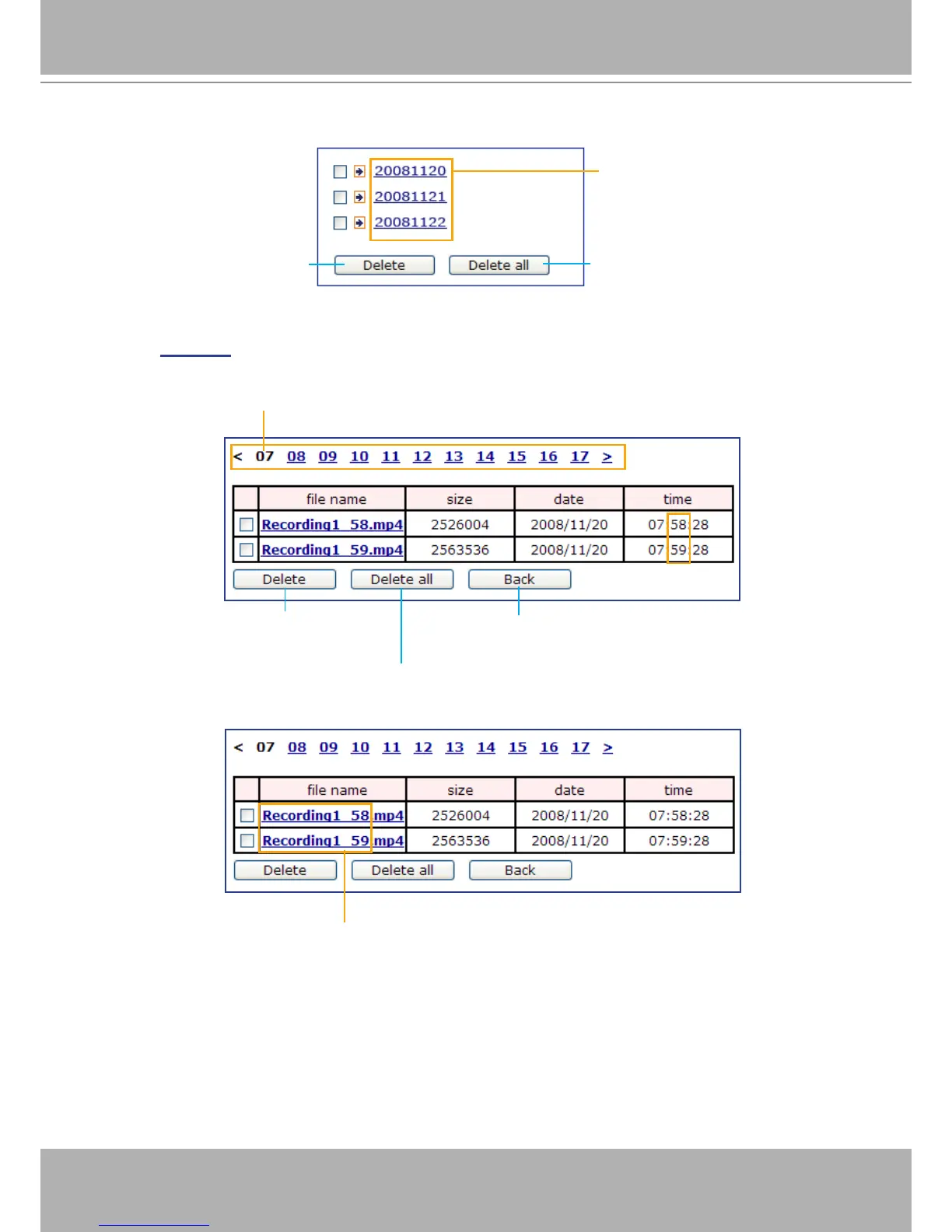
The following is an example of a le destination with video clips:
Click 20081120 to open the directory:
Click to delete selected items
Click to delete all recorded data
The format is: YYYYMMDD
Click to open the directory
Click to delete
selected items
Click to delete all
recorded data
Click to go back to the previous
level of the directory
The format is: HH (24r)
Click to open the le list for that hour
The format is: File name prex + Minute (mm)
You can set up the le name prex on Media Settings page.
Please refer to page 89 for detailed information.















 To Next Page