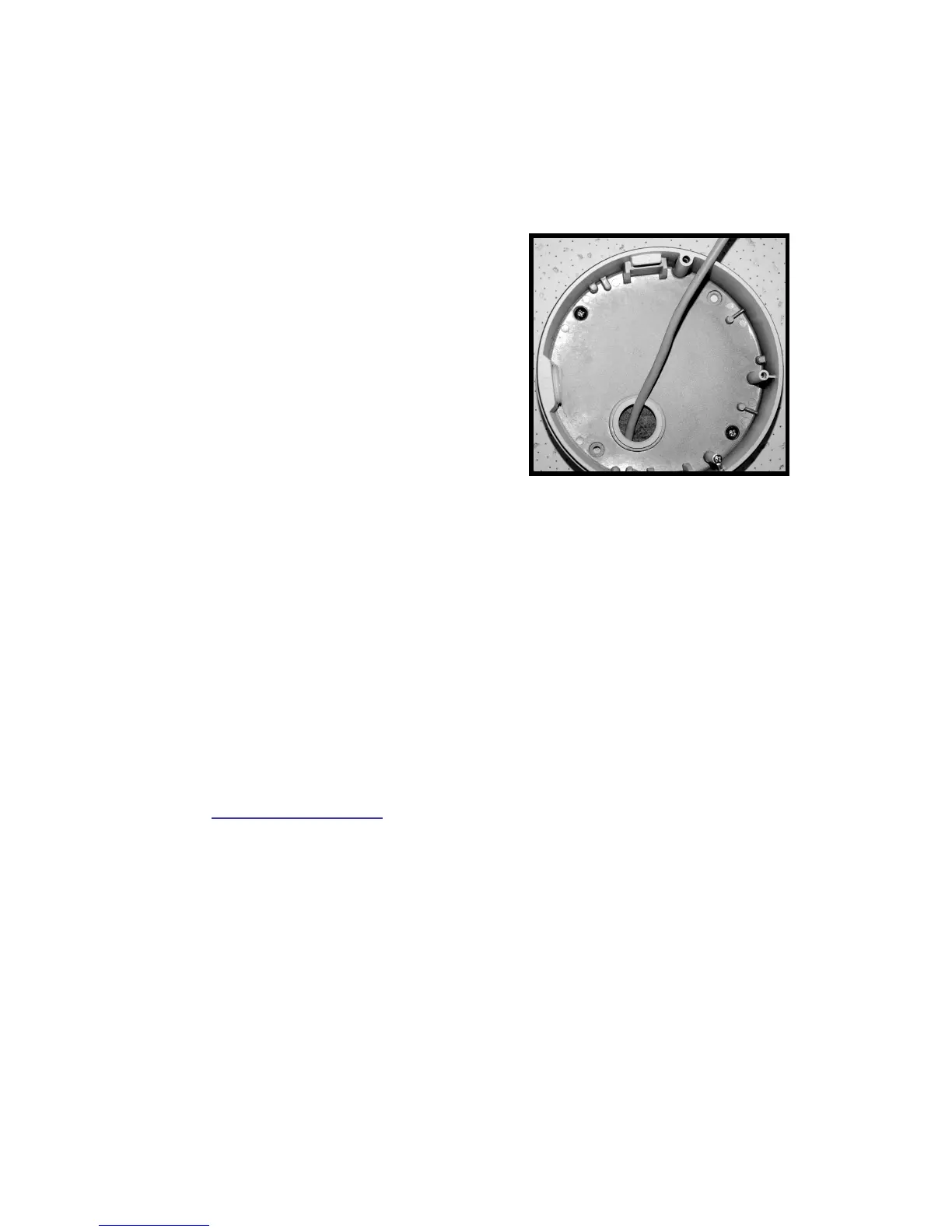
unscrewing the module-fastened screw first. Then press the sides of camera
module and pull it slightly up from the housing.
STEP 4:
Thread the power and Ethernet
cables through either the side
conduit entry or back conduit entry.
Then fasten the Dome Camera’s
housing on the Electrical Box with
the two screws.
STEP 5:
Connect the power and Ethernet cables to their connectors on the Dome
Camera unit.
STEP 6:
Attach the snap-on camera module onto the Dome Camera’s housing and.
screw the module-fastened screw tightly to secure the camera module.
STEP 7:
Access the camera browser-viewer for viewing images. Please refer to
6. Accessing Camera for further details. Users can also use the camera’s
BNC connector for video output.
Step 8:
Adjust the camera's zoom level and focal length via zoom and focus ring
screws.
STEP 9:
Position the camera at a desired angle by Pan/Tilt/Rotation adjustment.















 To Next Page