Manual Mode
In this mode, users can change the White Balance value manually. Users can
select a number between 0 ~127 of “Rgain/ Bgain” item to gain the red/ blue
illuminant on the Live Video Pane. Press <SET> to confirm the new setting.
4.5.3 Brightness Setting
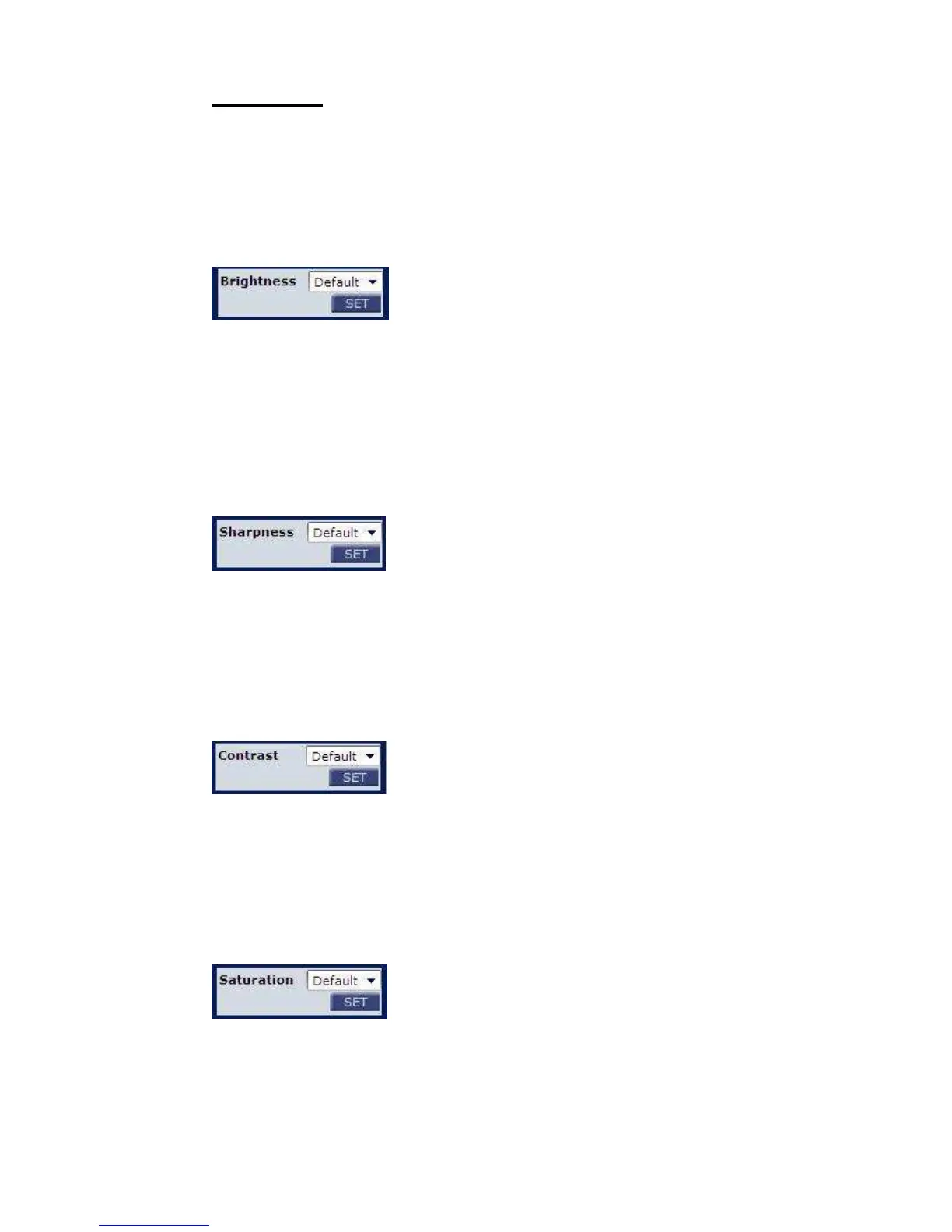
Users can adjust the image’s brightness by adjusting the item. To increase
video brightness, select a bigger number. Press <SET> to confirm the new
setting.
4.5.4 Sharpness Setting
Increasing the sharpness level can make the image looked sharper; especially
enhance the object’s edge. Press <SET> to confirm the new setting.
4.5.5 Contrast Setting
Camera image contrast level is adjustable; please select ranging from -6 to +19.
Press <SET> to confirm the new setting.
4.5.6 Saturation Setting
Camera image saturation level is adjustable; please select ranging from -6 to
+19. Press <SET> to confirm the new setting.















 To Next Page