STEP 19:
Screw on the two Torx screws on the
side of the Dome Cover tightly to
fasten the Dome Cover. Camera
installation is complete.
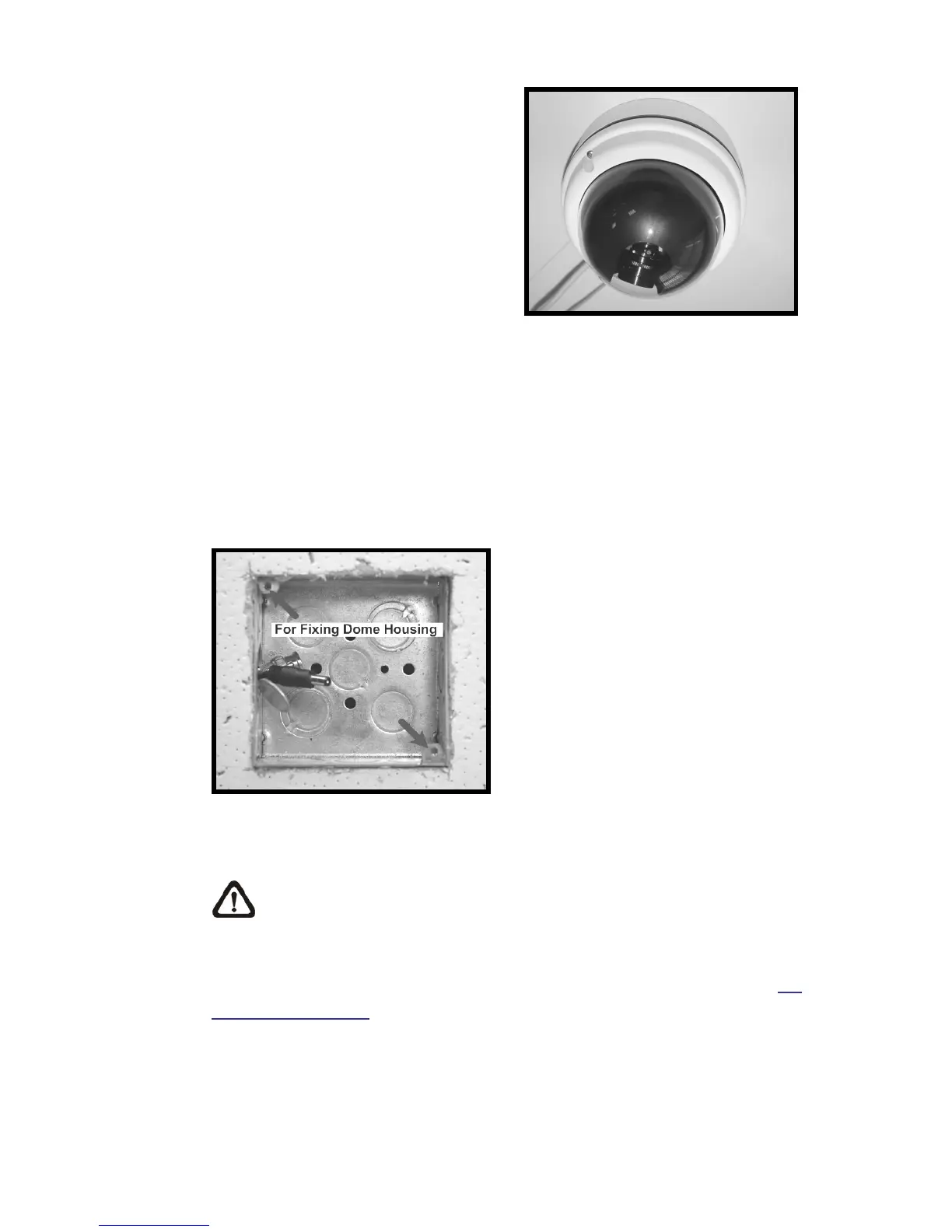
2.5 4S Mount Electrical Box
Before installing the IP Dome Camera in the 4S Electrical Box, please unscrew
and open the Dome Cover with the Security Torx.
Figure: 4S Mount Electrical Box
STEP 1:
Run the wires (Ethernet and power) through the wall.
NOTE: The power cable is omitted if using PoE.
STEP 2:
Disassemble the Dome Camera’s Inner Cover (see the illustration in 5.2
Hard Ceiling: Step 3) from the Dome Camera unit.















 To Next Page