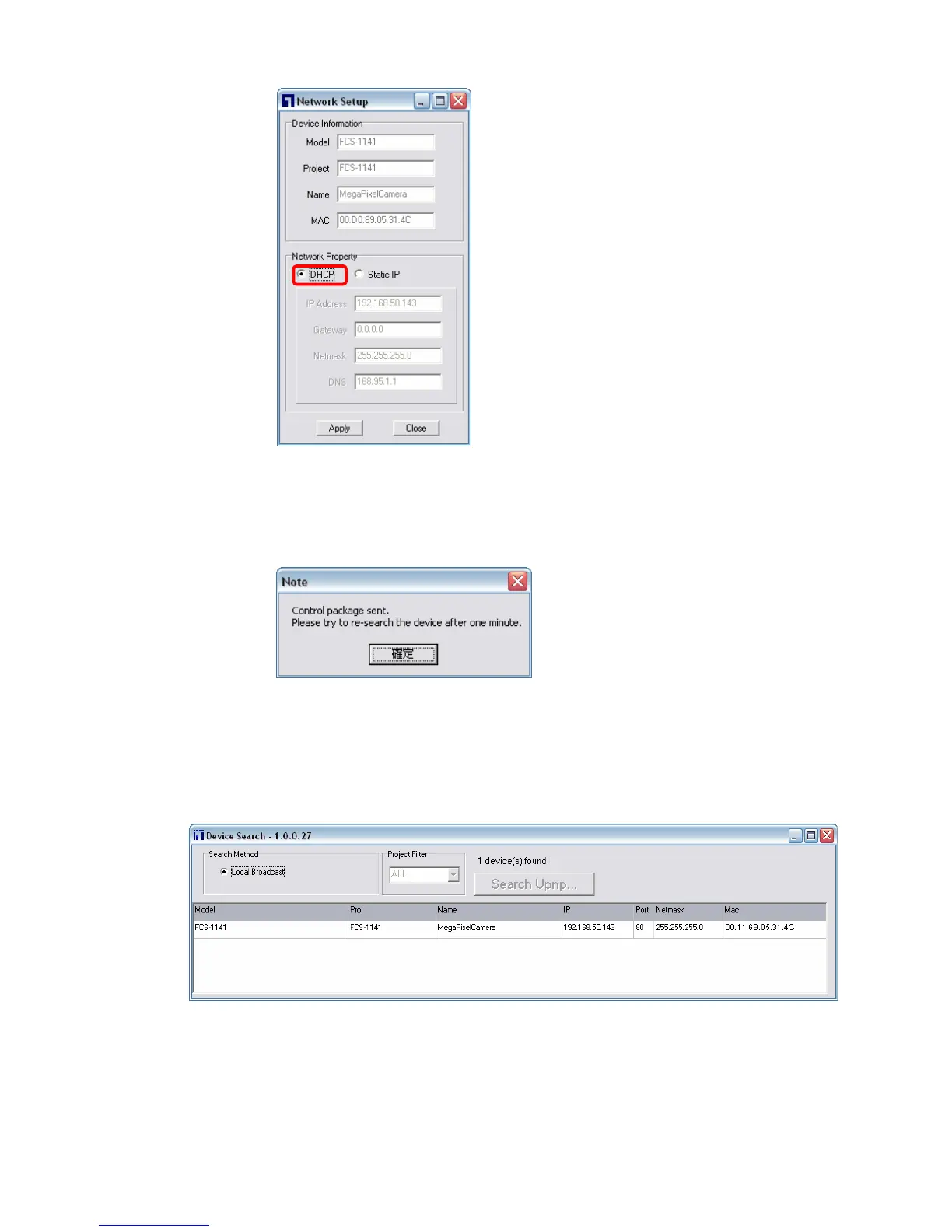
Step 3: Click “OK” on the Note of setting change. Wait for one minute to
re-search the IP Camera.
Step 4: Click the “Device Search” button to search all the devices. Then select
the IP Camera with the correct MAC address. Double click on the IP
Camera, and the login window will come out.
Step 5: Enter User name and Password to access the IP Camera.















 To Next Page