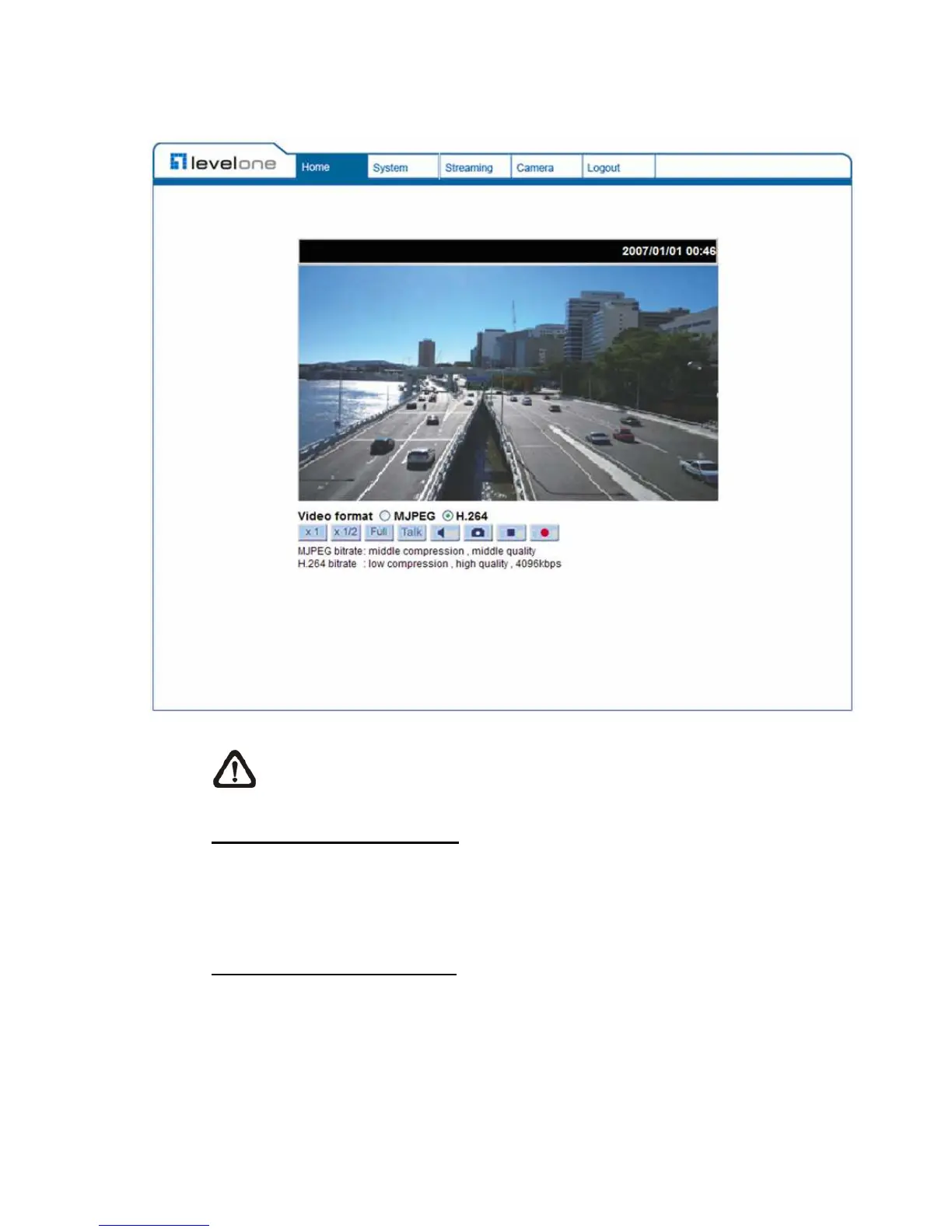
Once login to the IP Camera, users will see the Home page as shown below:
NOTE: The “talk” button below the screen only displays in Box Camera
and Vandal Proof IP Dome.
Administrator/User Privileges
“Administrator” represents the person who can configure the IP Camera and
authorize users access to the camera; “User” refers to whoever has access to
the camera with limited authority, i.e. entering Home and Camera setting pages.
Image and Focus Adjustment
The image displays on the Home page when successfully accessing to the IP
Camera. Adjust zoom and focus as necessary to produce a clear image.















 To Next Page