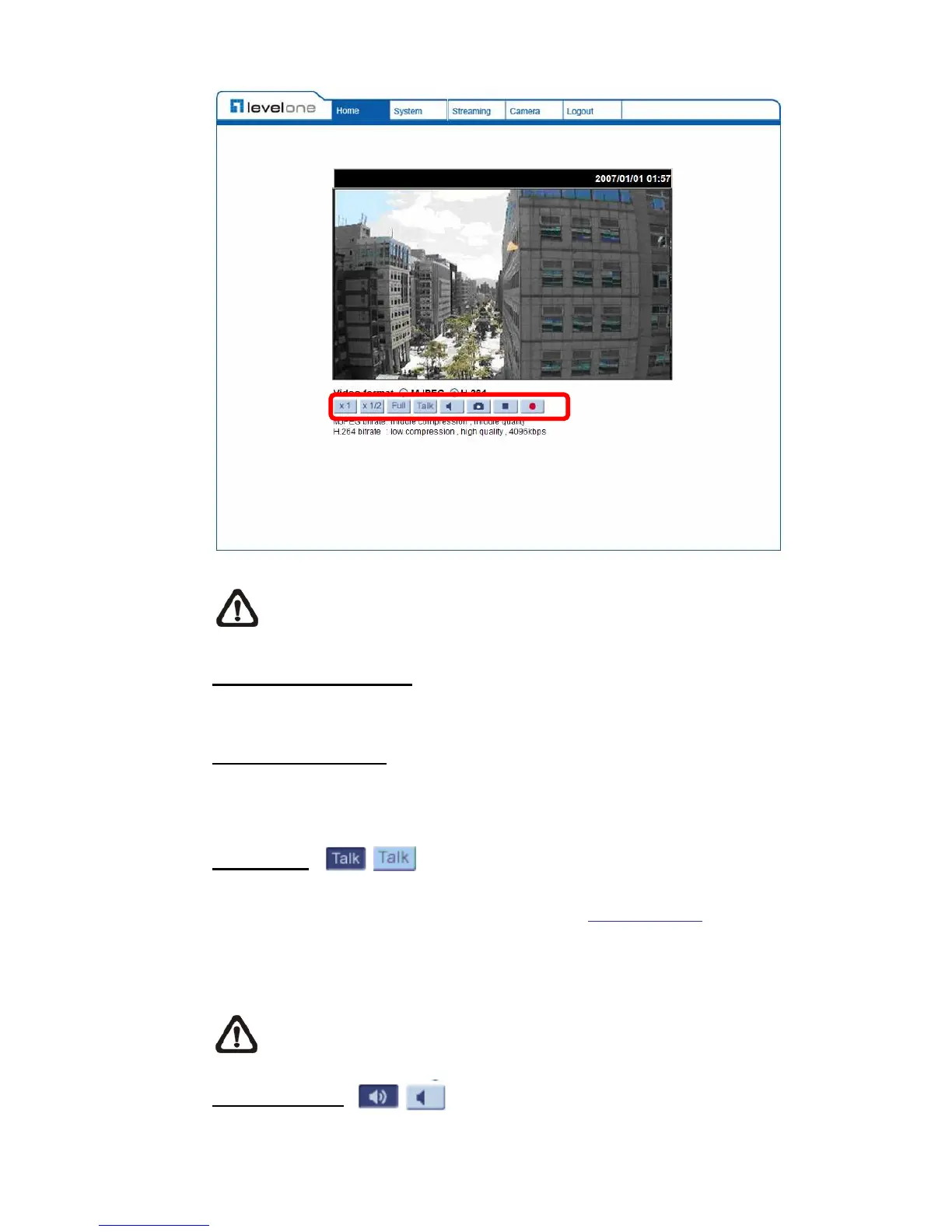
NOTE: Please note that the function buttons will vary depending on the
camera model.
Screen Size Adjustment
Image display size can be adjusted to x1/2 and full screen.
Digital Zoom Control
In the full screen mode, users can implement digital PTZ by rotating the mouse
wheel (for zoom in/out), and drag the mouse into any direction.
Talk button
(on/off)
Talk function allows the local site to talk to the remote site. Click on the button to
switch it to on/off. Please refer to section 4.3.2 Security: Add user >>
Talk/Listen for further details. This function is only open to “User” who has been
granted this privilege by the Administrator.
NOTE: This function is only available for the Box Camera and Vandal
Proof IP Dome.
Speaker button
(on/off)
Press the Speaker button to mute/activate the audio.















 To Next Page