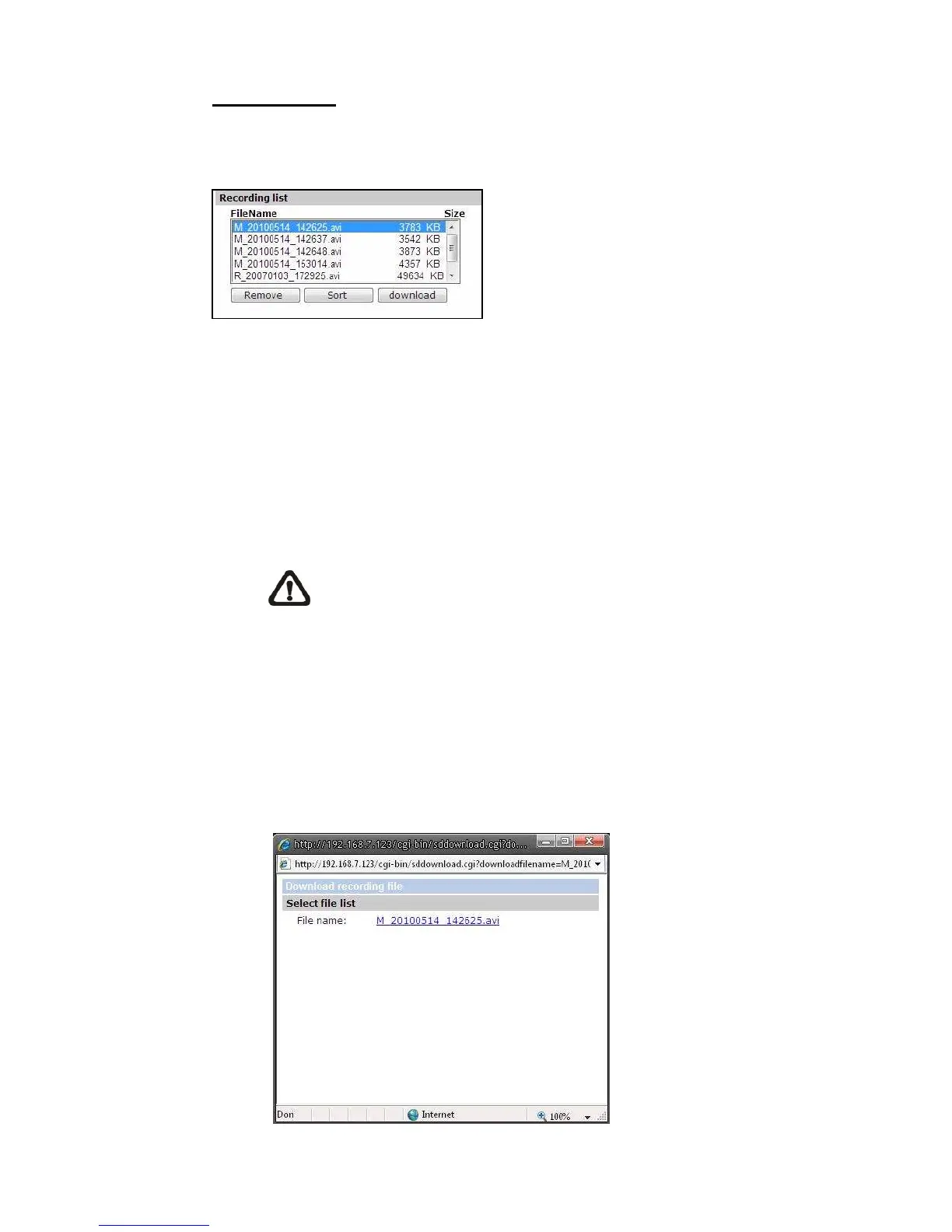
Recording List
Each video file on the Micro SD/SDHC card will be listed in the Recording list as
shown below.
• Remove
To remove a file, select the file first, and then press the “Remove”
button.
• Sort:
Press the “Sort” button, and the files in the Recording list will be listed in
name and date order.
NOTE: The capital letter A/M/R appears in the very beginning of
name denotes the sort of the recording: A stands for Alarm; M
stands for Motion; R stands for regular recording.
• Download:
To open/download a video clip, select the file first, and then press the
“download” button below the Recording list field. The selected file
window will pop up as shown below. Click on the AVI file to directly play
the video in the player or download it to a specified location.















 To Next Page